Error handling and diagnosis
CX809060 Version: 1.7
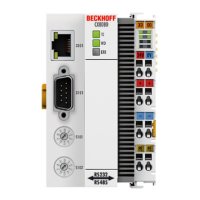
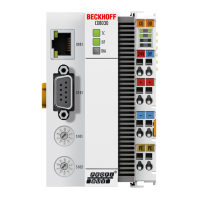
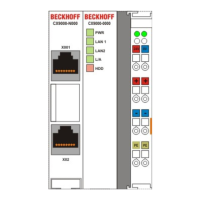
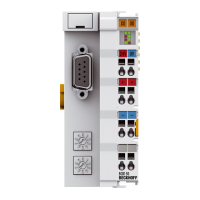
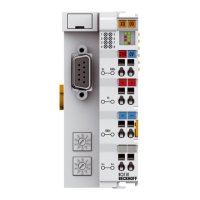
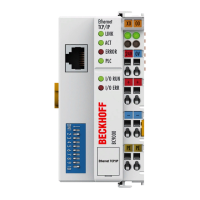
LED power supply terminal
Operation with K-bus terminals Operation with E-bus terminals
Display LED Description Meaning
1 Us 24 V (top left, 1st row) CX80xx supply voltage connected to -24 V
2 Up 24 V (top right, 1st row) Power contacts supply voltage connected to -24 V
3 L/A (left centre, 2nd row) EtherCAT LED flashing green: EtherCAT
communication active
connected to E-bus / no data traffic
not connected to E-bus
4 K-BUS RUN (right centre, 2nd
row)
K-bus LED RUN Lights up green: K-bus running,
everything OK
6 K-BUS ERR (bottom right, 3rd
row)
K-bus LED ERR Lights up red: K-bus error - see K-
bus error code


 To Next Page
 Loading...