^
Other
Sleep Timer
Display
Sound
Unpair Device
Setup Assistance
Preference
37
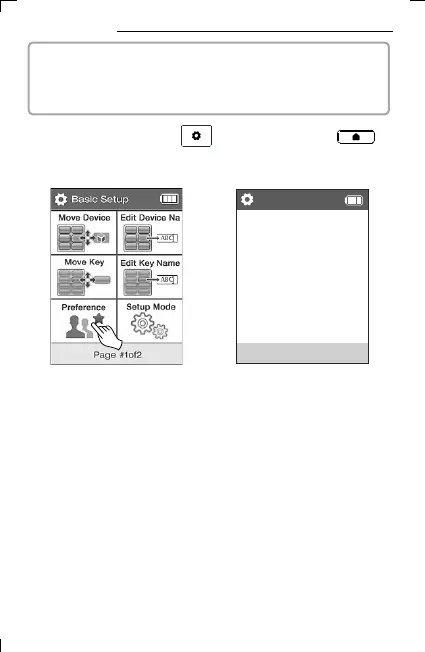
17. Preference
2) Select Edit Key Preference on
the second page of Basic Setup.
▪ The Preference menu in Basic Setup mode consists of 7 menus:
Macro key setting, Sleep timer, Display, Sound, Other, Unpair
device, and Setup Assistance.
▪ MACRO Key Setting
Assign macro keys and set macro actions.
▪ Output timer
Set the action after a specified time.
▪ Display
You can set power settings such as screen off, sleep mode, and air
conditioner temperature units (Celsius, Fahrenheit)
3) Select menu.
1) Press and hold the UC500 setup key or the UC200
home screen key for 3 seconds to move to the setup mode.



 To Next Page