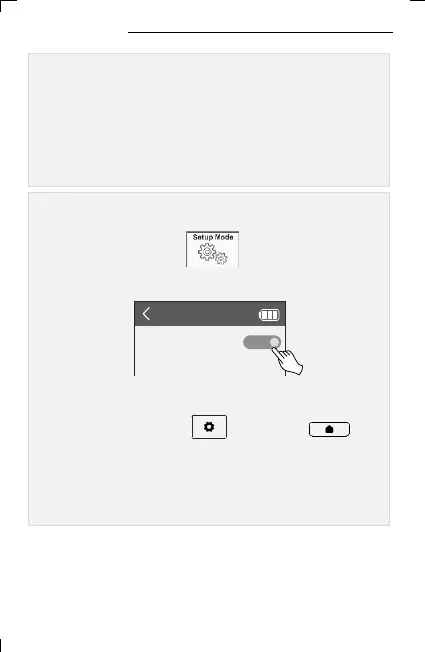
▪ Click the “Setup Mode” icon on the Basic Setup mode
screen to activate Expert Mode.
7
4. Setting Mode
※ Returning from expert mode to basic mode can be
set in the Preferences item in Setup.
1. Basic Setup Mode (Basic Setting)
Basic Setup allows users to easily set up and use the remote control;
a setting mode in which the basic menu is composed of icon buttons.
2. Expert Setup Mode
Expert Setup allows detailed settings for the remote control;
S/W update, user data backup and restore functions.
< Expert Setup Mode Basic Setup Mode Setting >
▪ Press and hold the UC500 setting key or the
home screen key of UC200 for 3 seconds, and move to setup
mode by pressing and then change to OFF in Preference Setup
Mode.
< Basic Setup Mode Expert Setup Mode Setting >



 To Next Page