18
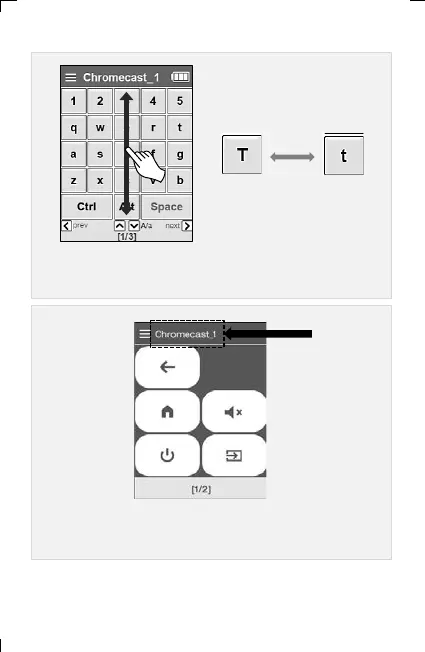
▣ For uppercase and lowercase letters in English,
scroll up/down the LCD screen
▣ If the title is displayed in red, it is not connected to the device.
Please wait until the connection is complete.
< Upper case > < Low case >
conversion
6. Adding and Using OTT/Bluetooth Devices OTT/Bluetooth



 To Next Page