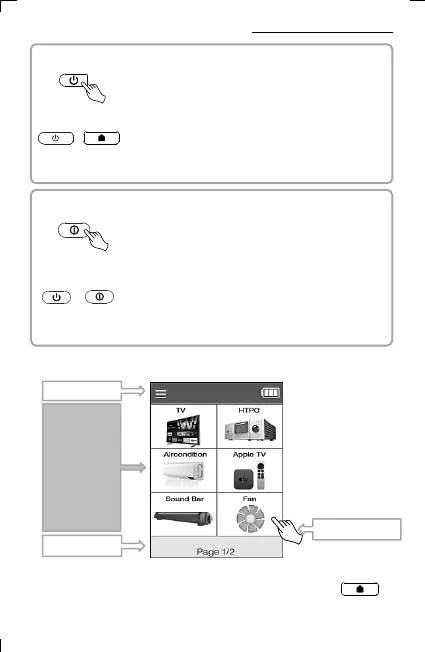
▪ UC200 REMOTE POWER OFF
+ If you press and hold ON and the home screen button
at the same time for 3 seconds, the power of the remote
control unit is turned off.
4
3. Getting Started with Multi Remote
▪ Screen Configuration and Device Selection
Title
Page
Device &
Button List
LCD Screen Touch
* You can select a device by touching the screen, and press
to move to the home screen.
▪ UC200 REMOTE POWER ON
Press power button for second minutes.
(device goes into power saving mode if no action is made)
▪ UC500 REMOTE POWER ON
Press power button for second minutes.
(device goes into power saving mode if no action is made)
<3 seconds >
▪ UC500 REMOTE POWER OFF
+ If you press and hold ON and the home screen button
at the same time for 3 seconds, the power of the remote
control unit is turned off.
<3 seconds >



 To Next Page