EasyManua.ls Logo

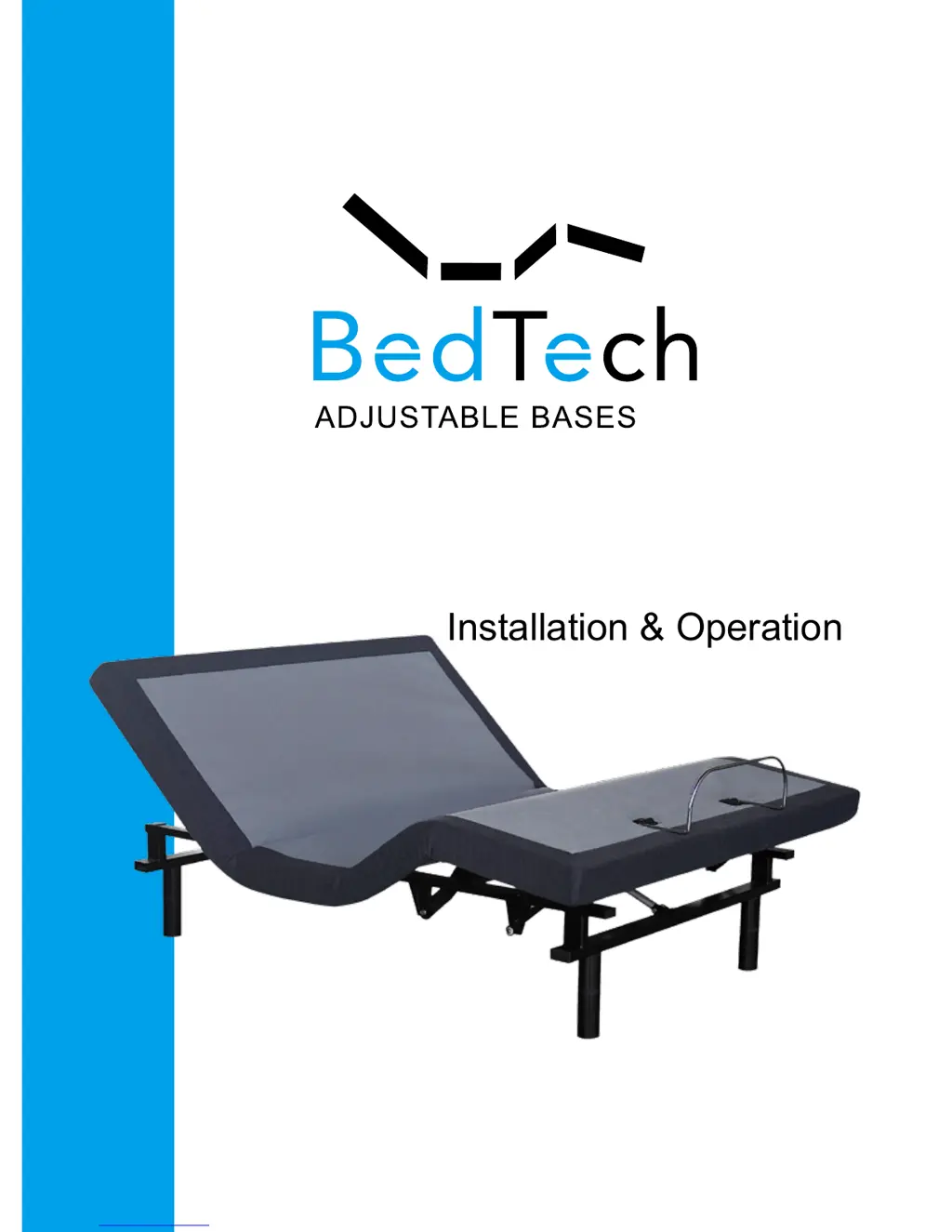
bedTech BT4000 - User Manual

Default Icon
20 pages
Print Icon
To Next Page IconTo Next Page
Loading...
OWNER’S MANUAL
Installation & Operation
Serial No.

Questions and Answers

  • C
    Cody GregoryAug 7, 2025
    What to do if no features of bedTech Indoor Furnishing power foundation will activate?
    • M
      moodyjamesAug 7, 2025
      Try these steps: Program the remote control (refer to the Setting Programmable Positions and Pairing Remote section of this manual for programming procedures). Reset the electronic components by unplugging the power cord, waiting 30 seconds, and plugging it back in. Check the outlet by plugging in another working appliance. Also, verify that the connector on the wired remote control is securely attached to the control box. The surge protection device or the electrical outlet may be defective.
  • C
    Christopher ParkerAug 12, 2025
    Why head or foot section of bedTech Indoor Furnishing elevates, but won't return to flat position?
    • A
      Ashley MillerAug 12, 2025
      The bed mechanism may be obstructed. Elevate the bed and check for any obstructions, then remove them. Also, the head section might be too close to the wall, or the headboard might be too close to the edge of the mattress. Ensure there's enough distance between the headboard brackets and the mattress; adjust if needed.
  • E
    Erica SmithAug 17, 2025
    How to stop excessive massage motor noise in bedTech Indoor Furnishing?
    • Z
      zmercadoAug 17, 2025
      Make sure that your Nisco Power Foundation isn't positioned against a wall, nightstand, or any other object that could cause vibration or noise. If the Nisco Power Foundation is installed on a bed frame, check that the massage motors aren't causing the bed frame (or its components) to vibrate.
  • H
    hammondtroyAug 22, 2025
    What to do if bedTech Indoor Furnishing wireless remote will not illuminate?
    • C
      Curtis WaltersAug 22, 2025
      Replace the batteries in the wireless remote.
  • T
    Troy ButlerAug 27, 2025
    What to do if massage motor of bedTech Indoor Furnishing overheats or stops?
    • J
      jwhiteAug 27, 2025
      If the vibration motor overheats, its thermal protection will turn it off. Wait 30 minutes, then turn the massage back on. If it still doesn't turn on, turn it off and report the situation to customer service.
  • R
    Raymond PerezSep 1, 2025
    What does a clicking noise under the bedTech Indoor Furnishing mean when raising or lowering it?
    • J
      jennifermillerSep 1, 2025
      No action is required.

Summary

Safety and Warranty Information

General Safety Precautions

Important safety guidelines for using the adjustable bed, covering usage environments and user supervision.

Product Usage and Limitations

Details on operational limits, duty cycles, intended residential use, and weight capacity.

Installation Guide

Unboxing and Initial Setup

Instructions for safely unboxing and positioning the adjustable bed foundation for setup.

Component Installation and Connection

Steps for installing legs, connecting power supply and batteries, and ensuring proper connections.

Final Assembly and Securing

Procedures for flipping the foundation and installing the mattress retainer bar for stability.

Remote Control Instructions (BT1000;BT2000)

BT3000 Remote Control Instructions

BT4000 Remote Control Instructions

Troubleshooting Common Issues

Remote Control and Activation Problems

Solutions for problems with remote illumination, activation, and general operation.

Movement and Positioning Problems

Troubleshooting steps for issues with head/foot section movement and returning to flat position.

Troubleshooting Further Issues

bedTech BT4000 Specifications

General IconGeneral
BrandbedTech
ModelBT4000
CategoryIndoor Furnishing
LanguageEnglish

Related product manuals