NOTE
The following system tags are available:
• Communication Errors (count) (SystemTagCommunicationErrorMessage)
• Communication Error Message (SystemTagCommunicationErrorMessage)
• Database Error Active (SystemTagStorageErrorActive)
• Database Error Message (SystemTagStorageErrorMessage)
• Database Max Size Exceeded (SystemTagStorageMaxSizeExceeded)
• Current Date and Time (SystemTagDateTime)
• Debug Logging Enabled (SystemTagDebugLoggingEnabled)
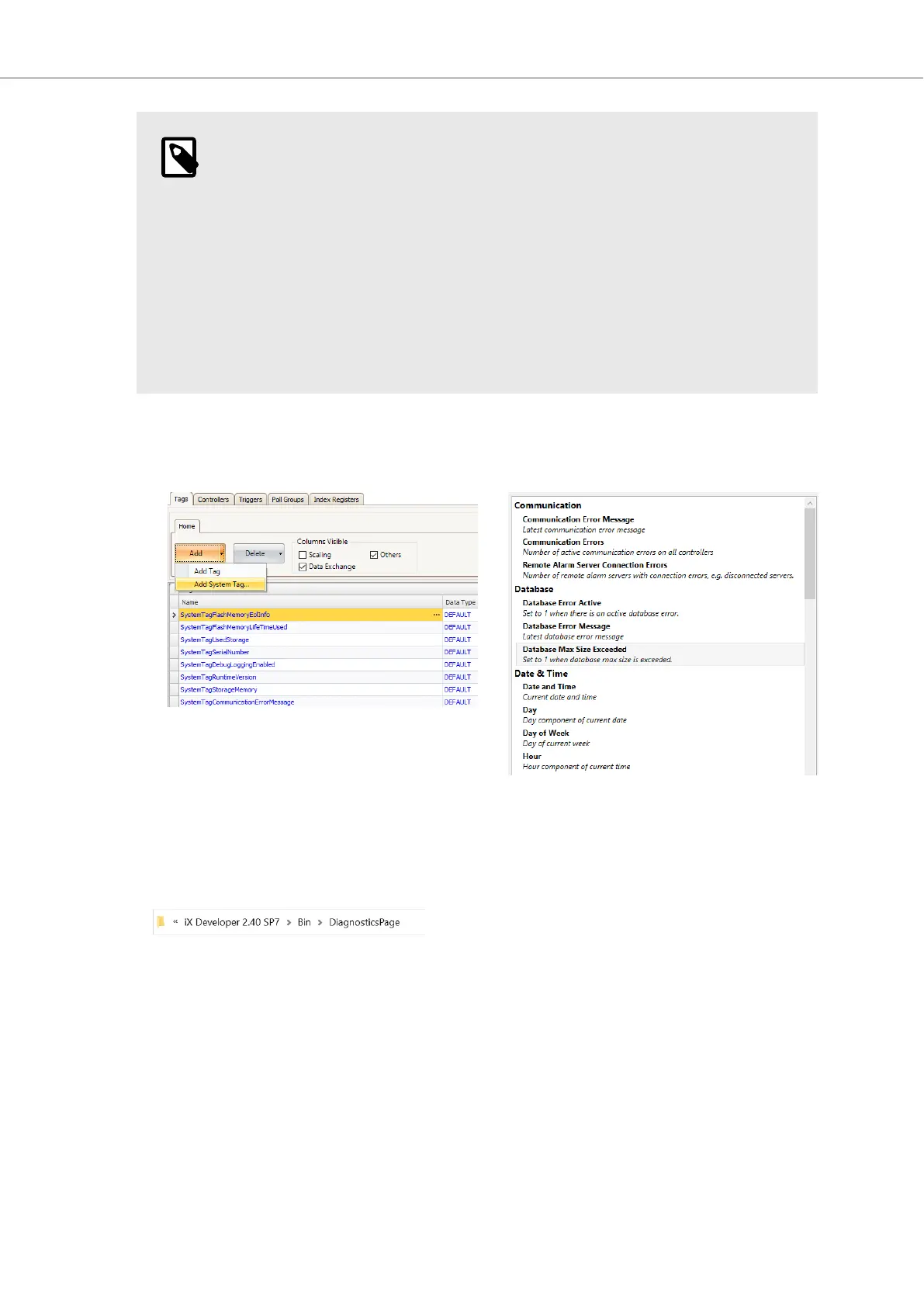
3. Select Functions - Tags - Add - Add System Tag…. Select and add needed tags in System tags
dialog.
4. Deploy by either upload files via FTP or copy into the ProjectFiles folder. Diagnostics
page files are installed with iX Developer installation and reside in iX Developer
<version>\Bin\DiagnosticsPage.
a. Enable FTP server for the project.
i. On the System ribbon tab (1), within the Servers group, click FTP (2).
Getting Started and Commonly Used Functions
Beijer Electronics, MAEN363 29 2023-06



 To Next Page