6.1.4-Temporary sound mute (MUTE)
To temporarily mute the sound of your
television, press the MUTE button on
yourremotecontrol.Inthatcase,MUTE
symbol will appear on the screen. When
you press the same button a second
time,thesoundwillberestored.Ifyou
press the VOL+ button while in the Mute
mode, the sound level is increased and the Mute
function is aborted.
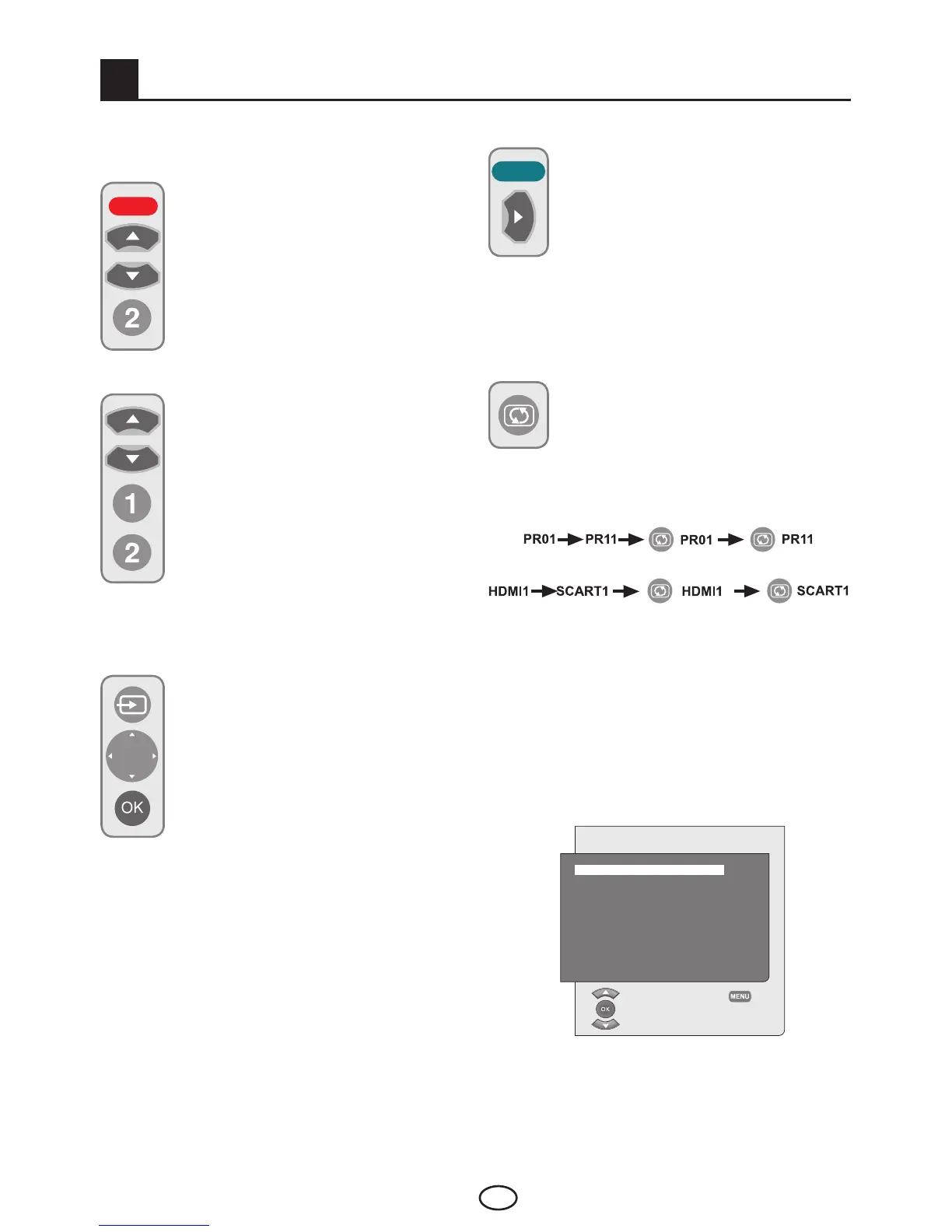
6.1.5-Returning to Selected Program
(SWAP)
Allows you to switch between the current
program you watch and the last selected
program. For example, if you change
the channel to Program 11 while you
were watching Program 1, press SWAP
button to switch back to Program 1. Press SWAP
button to switch back to Program 11 again.
6 Performing the initial power-on settings
6.1-TV controls
6.1.1-Temporary on/off (STAND-BY)
When you press the red POWER button
located on the upper left hand side of
your remote control while your television
is switched on, the sound and the
picturewillgooff.Inthestand-bymode,
the power indicator of your television will
glow brighter. To switch your television
back on, either press any numeric button
or PR+/PR- buttons.
6.1.2-Channel Selection
You may select whichever program
number you would like by pressing
the PR+/PR- buttons located on your
television and your remote control. To
select the programs that are above 9,
youcanusetheNumericalbuttons.
You may enter the number of the
program you would like to select using
the numerical buttons. For example, to
switch to the program number 12, press
respectively the numeric buttons 1 and
2 on your remote control. You can perform the
program selection also from the Program Table.
6.1.3-TV and AV Mode Selection
Press the AV button on your remote
control. SOURCE menu will be
displayed. Select TV or desired AV
mode from the Source menu with Up/
Down movement buttons and confirm
with OK button so that your television
will switch to the source you have
selected.
6.1.6-Main Menu
Press the M button. The Menu including all the
settingmenuswillappearonthescreen.Navigate
through the Menu titles with the Up / Down
movement buttons and press the OK button to
selectthedesiredmenu.Ifyouwanttoexitthe
menu in any step, just press the EXIT button.
Press o or M buttons to return to the previous
Menu while you are in a sub menu.
MAIN MENU
VOLUME
PICTURE
PROGRAM TABLE
SETUP
FEATURES
SELECT
EXIT



 To Next Page