9.6.4-AUTOCONFIGURATION
The most suitable geometric settings in accordance with the entry mode are configured by this function.
For this operation, select the AUTOCONFIGURATION tab and press OK button.
9.6.5-HORIZONTAL POSITION:Horizontalpositionsetting
9.6.6-VERTICAL POSITION: Vertical position setting
9.6.7-CLOCK FREQUENCY:Thisisthepixelclockfrequency.Usercannarrowdownorenlargethe
display by selecting a desired value.
9.6.8-PHASE:Usingtheright/leftmovementbuttons,youcanensurethatthecolorsandshapesare
exactly consolidated on the PC image.
9.6.9-PICTURE FORMAT
You can select the PC image as to be displayed in 16:9, 4:3 or 14:9 formats.
Note:IntheMonitormode,youcanmaketheBrightness, Contrast and Sharpness settings from the
PICTURE menu.
Side view of the TV
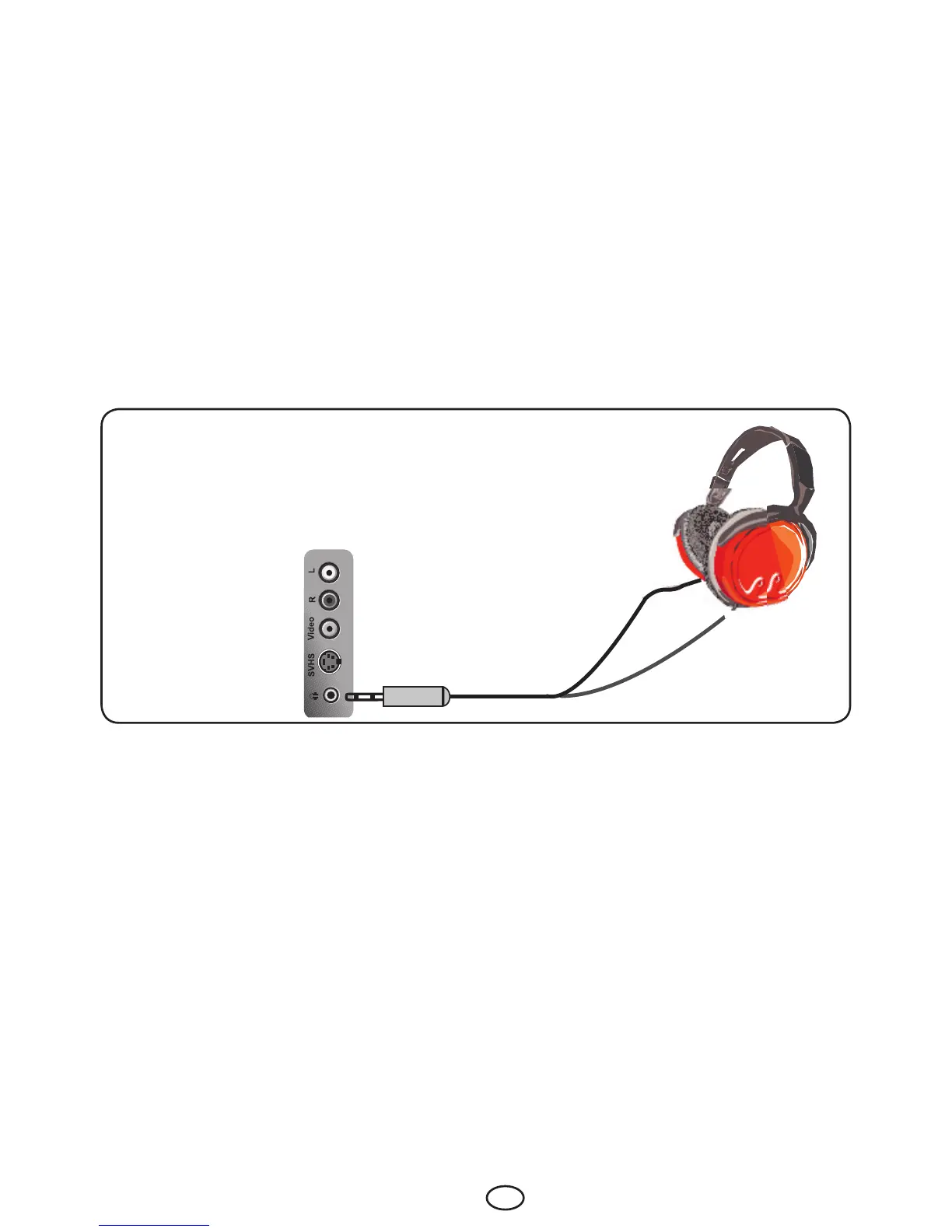
9.7-Headphone Connection
The headphones must have impedance between 8 and 32 ohms and have a 3.5 mm stereo jack plug.
Plug the headphone jack into the headphone socket of the TV.



 To Next Page