To stop the process at any given time, please
press the M button. The Program Table, which will
allow you to sort the channels as you wish, will be
displayed after the automatic search is complete.
6.2.2-Manual tuning of channels and
storing in the memory
6.2.2.1-If you already know the
channel number
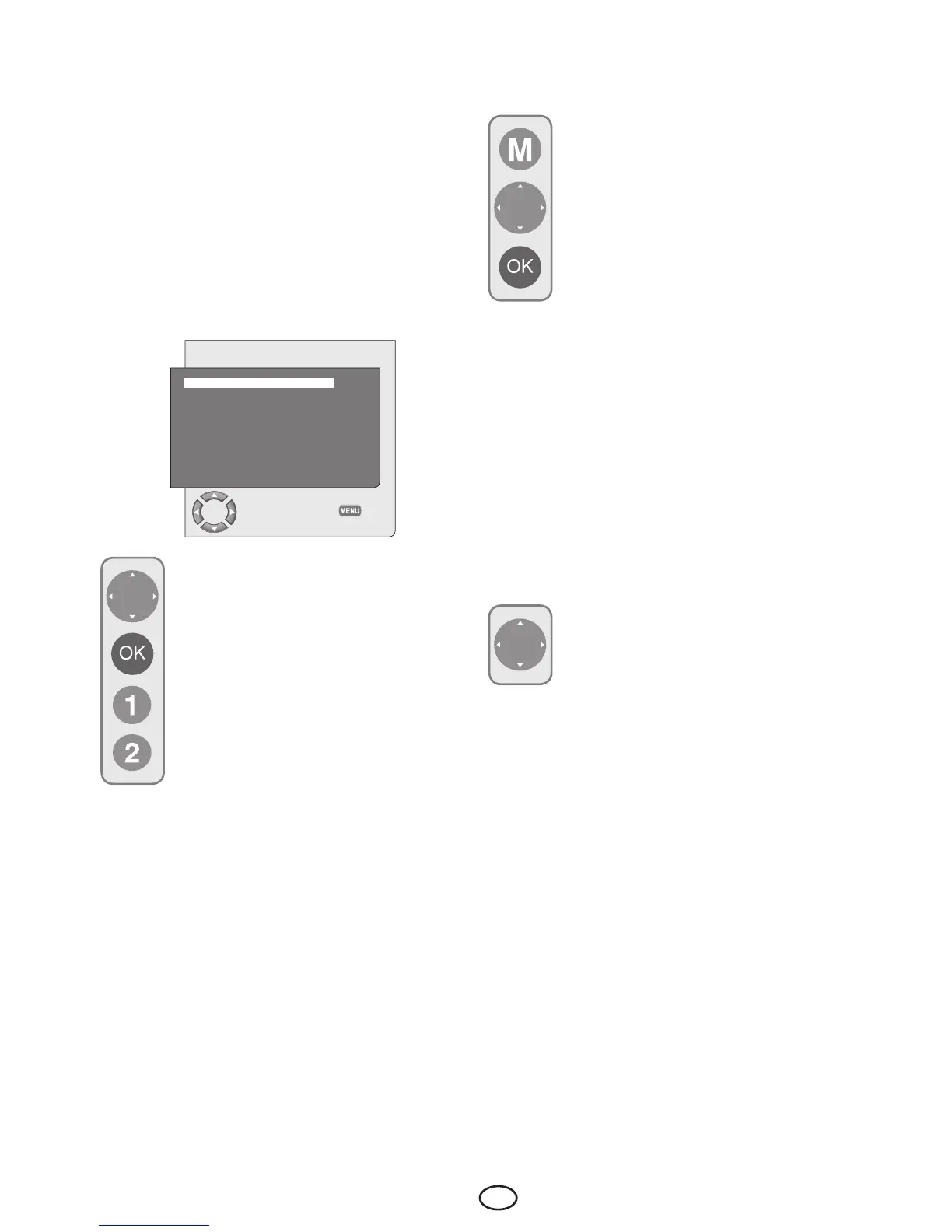
Press the M button. Move to the SETUP menu
by pressing the Down movement button in Main
Menu and confirm your selection with OK button.
The Setup menu is displayed.
SETUP
SYSTEM BG
CHANNEL S06
FINE TUNE 0
SEARCH ◄ ►
PROGRAM NO P13
STORE
AUTOPROGRAM
CHANGE
BACK
Select the system in which you would
like to make the search from the
SYSTEM tab. Move into CHANNEL tab
by pressing the down movement button.
Press OK on your remote control to
select “S” for cable channels and “C”
for channels received via the antenna.
Move onto the PROGRAM NO tab
and using the number buttons enter the
channel number in which you would
liketohavethechannelstored.Ifthe
broadcast viewed on the screen is of
your desired quality, first move onto the
STORE tab with the down movement button to
store in the memory the selection you have made
and store the channel by pressing the Left or
Right movement buttons. The prompt STORED
will be displayed briefly. The channel will be stored
according to the program number of your choice.
You can tune and store in memory other channels
thesameway.Intheeventthatyouwishtoexit
the channel settings menu for any reason, simply
press the EXIT button.
6.2.2.2-If you do not know the
channel number
Press the M button. Move to the SETUP
menu by pressing the down movement
button in Main Menu and confirm your
selection with OK button. The Setup
menu is displayed. Select the system
in which you would like to make the
search from the SYSTEM tab. Move into
CHANNEL tab by pressing the down
movement button. Press OK on your
remote control to select “S” for cable
channels and “C” for channels received
via the antenna. Select SEARCH tab using the up/
down movement buttons, and scan the channels
in ascending order with Right movement button
and in descending order with Left movement
button.Ifthechannelthatisfoundisofyourliking,
select the STORE tab. Then store it in the memory
by pressing the Right or Left movement buttons.
Repeat the same procedure for other channels by
selecting the program number of your choice from
the PROGRAM NOtab.Ifthechannelyoufound
is not of the desired quality and requires Fine
Tuning or if you would like to rename the channel,
refer to the relevant sections.
6.2.3-Fine Tuning
Ifthechannelyoufoundisnotofthe
desired quality and requires Fine
Tuning, then select the FINE TUNE tab
by pressing the Down movement button
in the SETUPmenu.UsingtheLeft/
Right movement buttons on your remote control,
adjust the broadcast displayed on the screen to
yourdesiredquality.Undernormalcircumstances,
you will not require to use the Fine Tune function.
The AFC values of your television will automatically
adjust and lock themselves to the channel.
However, you might need it in case the television
transmitters do not operate according to the
standards. To store in the memory, the settings
you have made, select the STORE tab and press
the Right or Left movement button.



 To Next Page