MIPP
Release
01
01/12
15
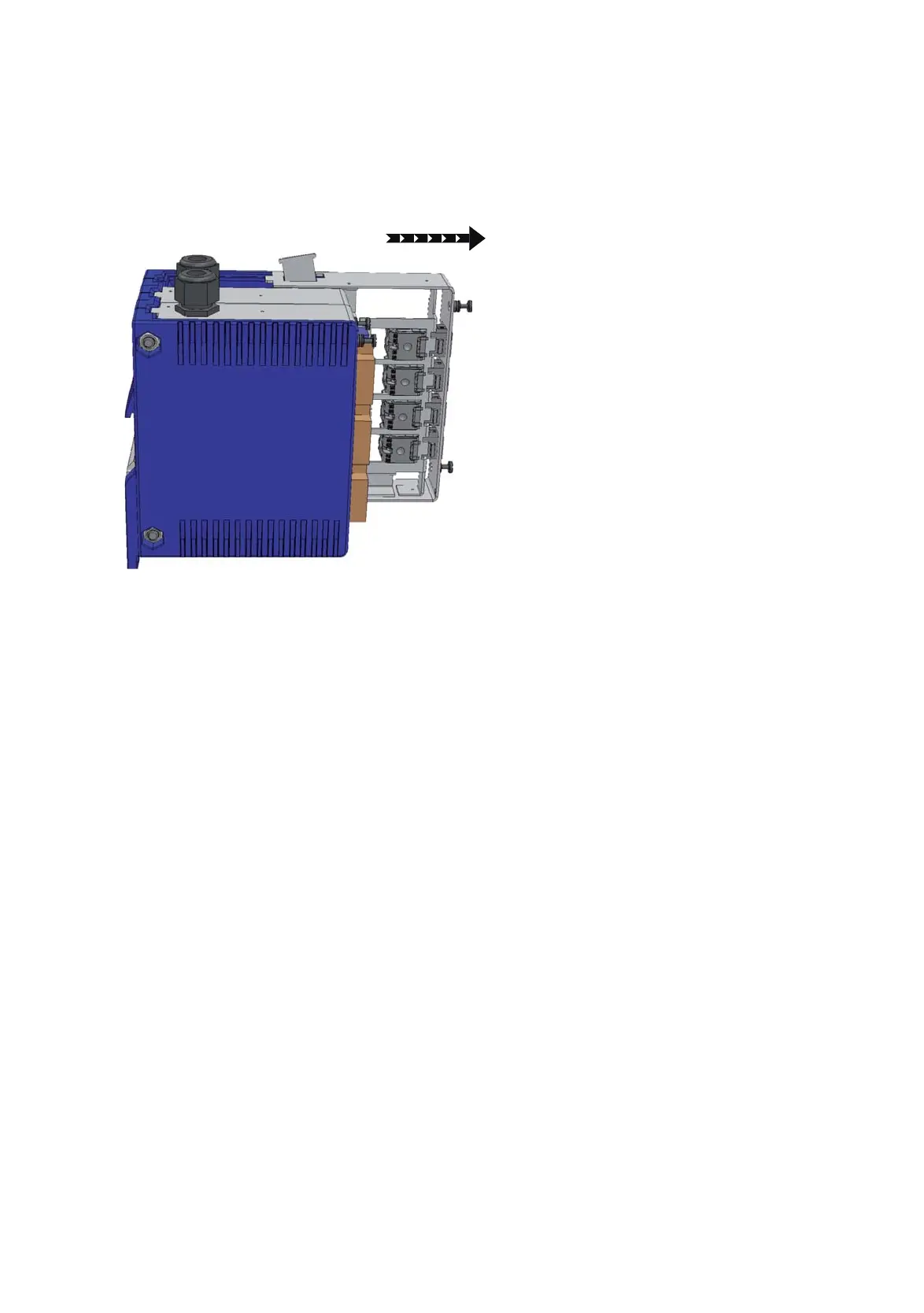
2.2.1 Remove the module from the housing
Proceed as follows:
Loosen the 2 screws on the front of the module and pull the module
forward out of the housing.
Figure 9: Removing the module
Note: If you would like to add another module to the device, please refer to
chapter “Housing expansion for additional modules” on page 20.


 To Next Page