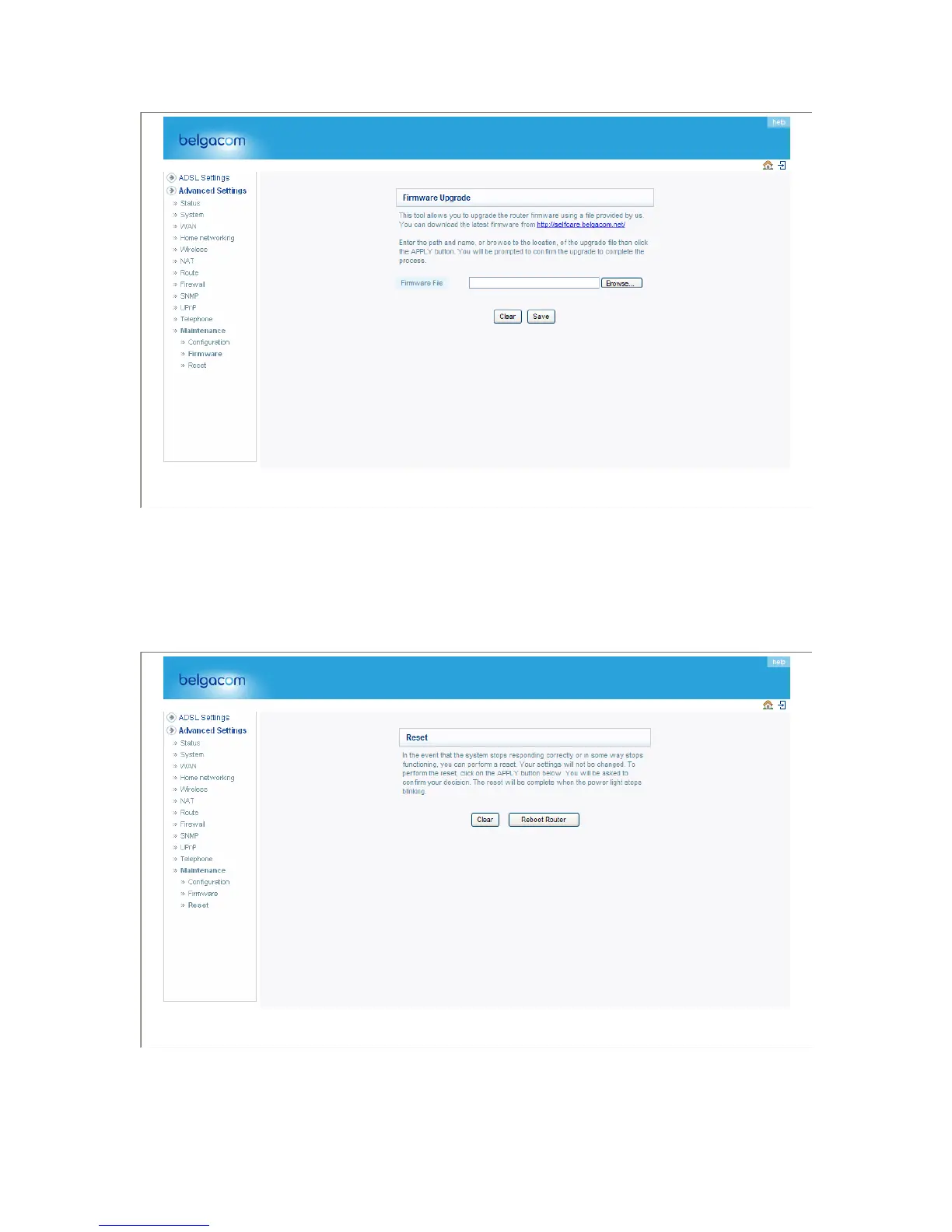
Download the file to your hard drive. Then click Browse... to find the file on your computer. Select
the firmware file and click “Open.” Click “SAVE” to start the upgrade process.
Reset
Perform a reset from this page.
Should your unit become unresponsive for any reason, you can simply perform a reset from this
page. Performing a reset will reboot the device. Your configuration settings will remain the same.
79


 To Next Page