8820-00382_F7D1101_Basic_Wireless_USB_ADR_mnl_gemtek (2)
Page 7 of 28
System Requirements
• PC-compatible laptop with one available USB 2.0 bus-power port
• Windows® XP with SP2 or later, Vista®, and Windows 7
Package Contents
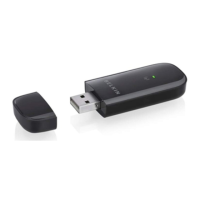
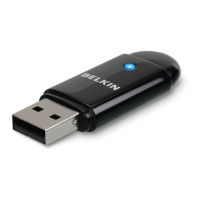
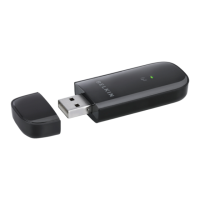
• Basic Wireless USB Adapter
• Quick Installation Guide
• CD with Installation Software and User Manual
Installing and Setting up the Adapter
A. Installation Process for Windows Vista and 7
NOTE: For information on updated drivers, please visit the Belkin website at
www.belkin.com/support.
IMPORTANT: INSTALL THE SOFTWARE BEFORE INSERTING THE
ADAPTER.
A.1 Insert the Installation Software CD into your CD-ROM drive.
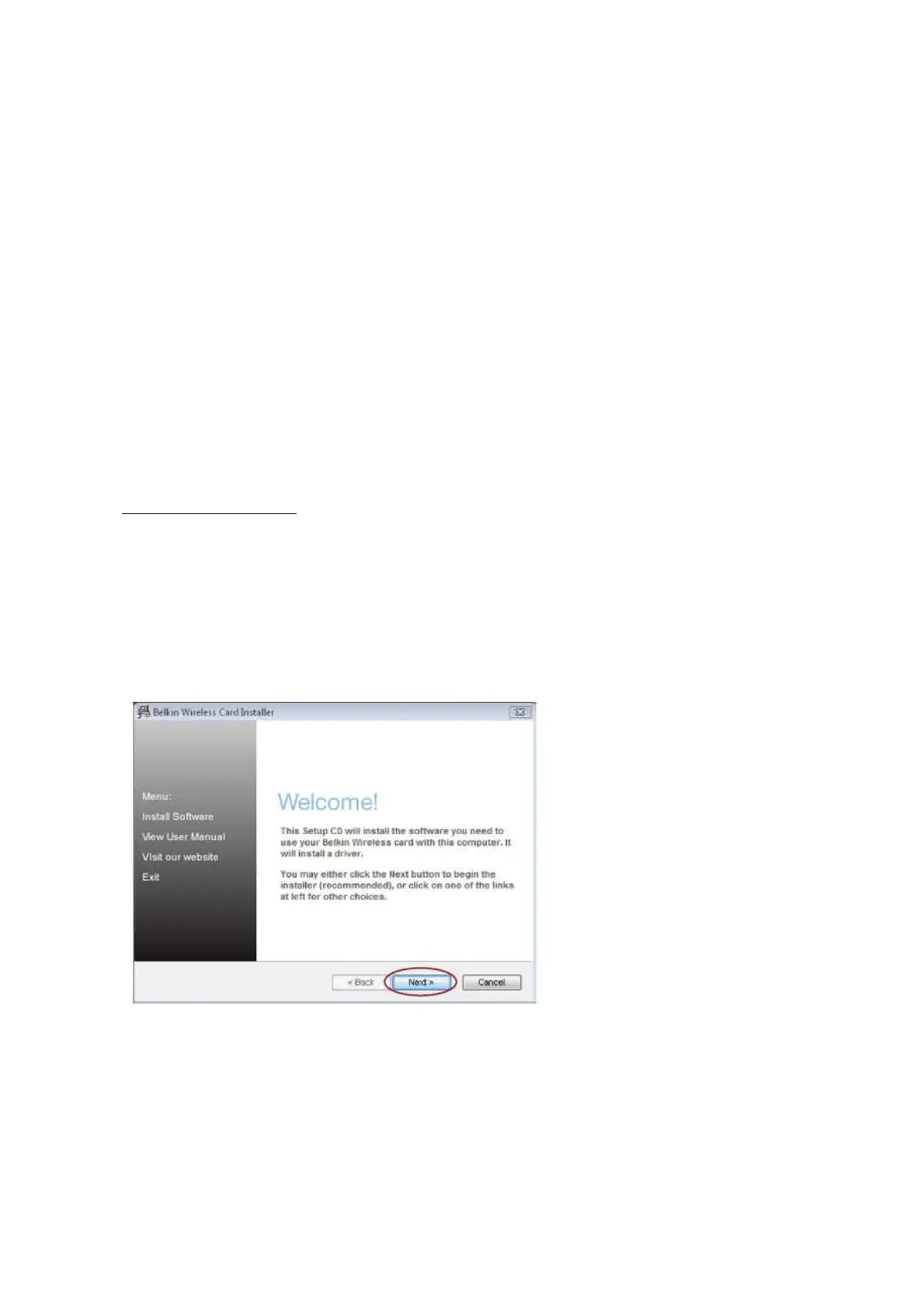
A.2 Click “Next” to begin the installation process.
Note: If the Belkin Wireless Card Installer screen does not appear within 20
seconds, access your CD-ROM by double-clicking on the “My Computer” icon;
then double-click on the CD-ROM drive into which the installation CD has been


 To Next Page