8820-00382_F7D1101_Basic_Wireless_USB_ADR_mnl_gemtek (2)
Page 8 of 28
placed. If the Installer does not start automatically, double-click on the icon
named “Installer.exe”.
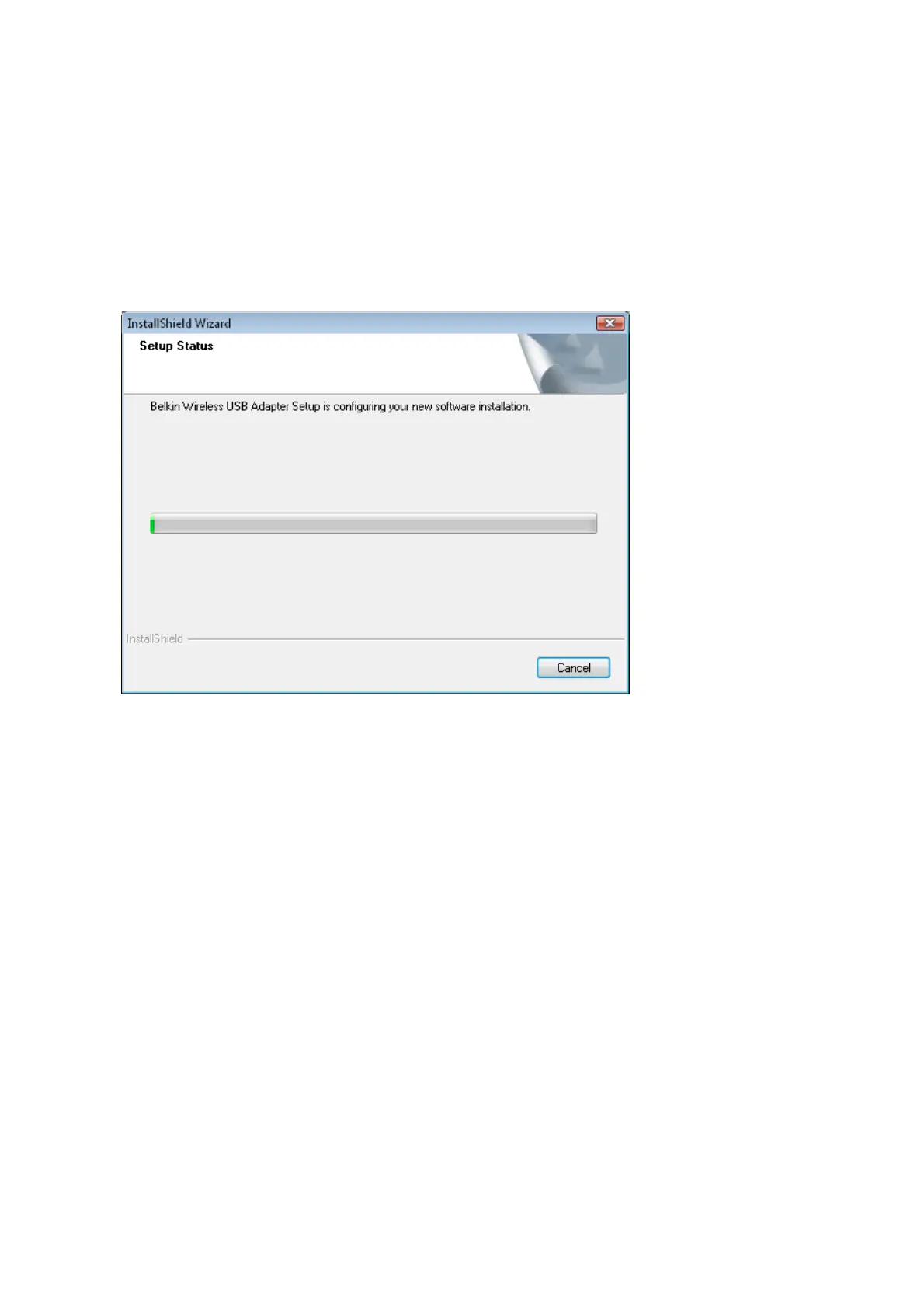
A.3 The InstallShield Wizard will start the installation process.
A.4 A window may appear showing the message, “Windows can’t verify the
publisher of this driver software”. This DOES NOT indicate a problem.
Our software has been fully tested and is compatible with this operating
system. Click on “Install this driver software anyway” to continue.


 To Next Page