8820-00382_F7D1101_Basic_Wireless_USB_ADR_mnl_gemtek (2)
Page 9 of 28
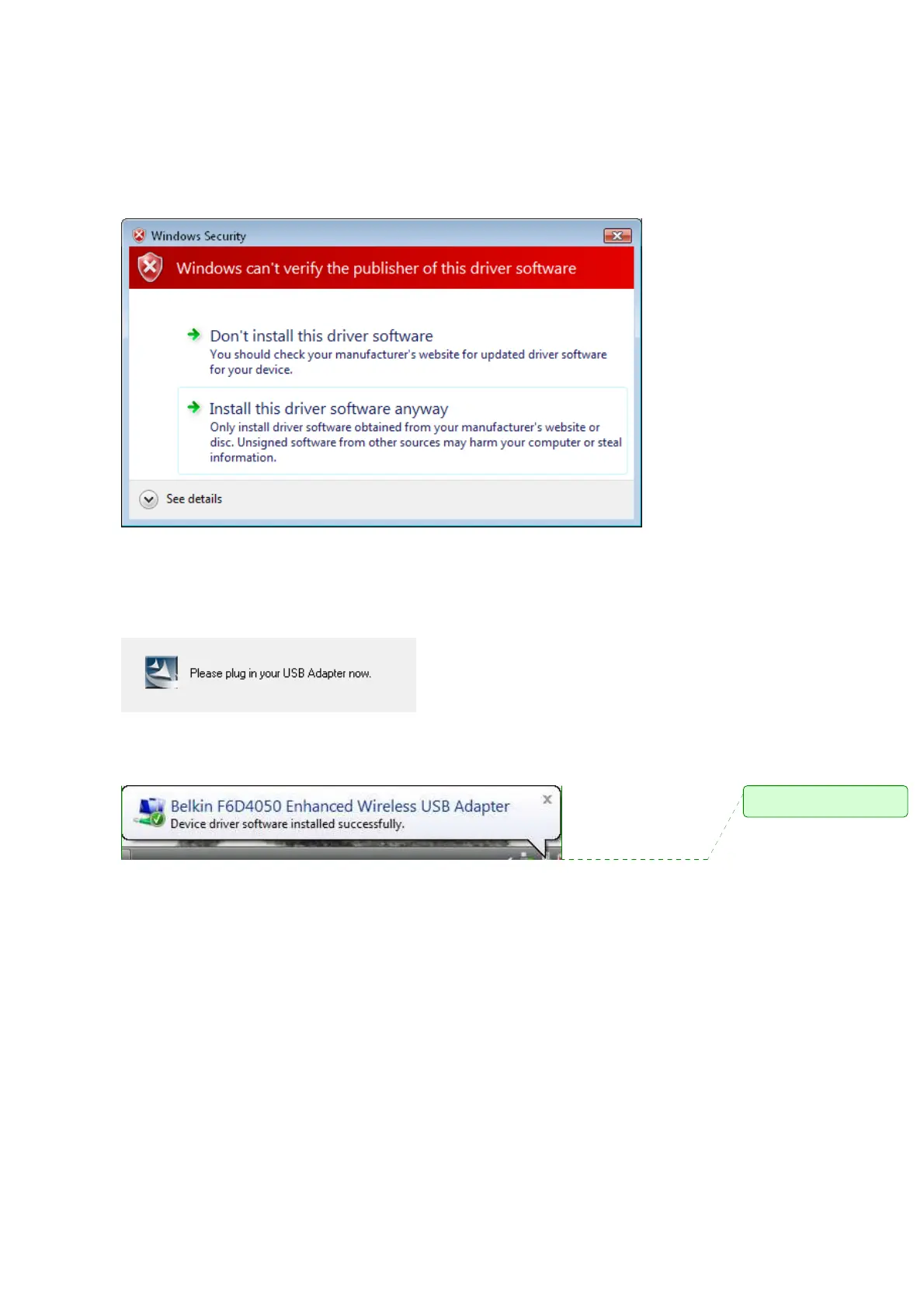
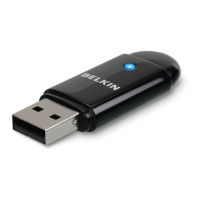
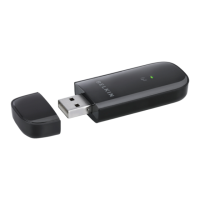
A.5 When prompted, plug in your Adapter.
A.6 When the installation completes, you will see the following pop-up
message on your Windows taskbar.
A.7 Click “Finish” to restart your computer.
註解
註解註解
註解
Part number
needs to be updated


 To Next Page