Changing the Wireless Security Settings
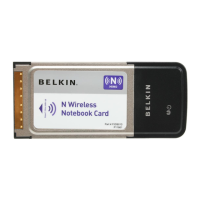
The Belkin N Wireless Notebook Card supports the latest WPA
security feature as well as the legacy WEP security standard. By
default, wireless security is disabled.
To enable security, you will first need to determine which standard
is used by the router (or access point). (See your wireless router’s or
access point’s manual for directions on how to access the security
settings.)
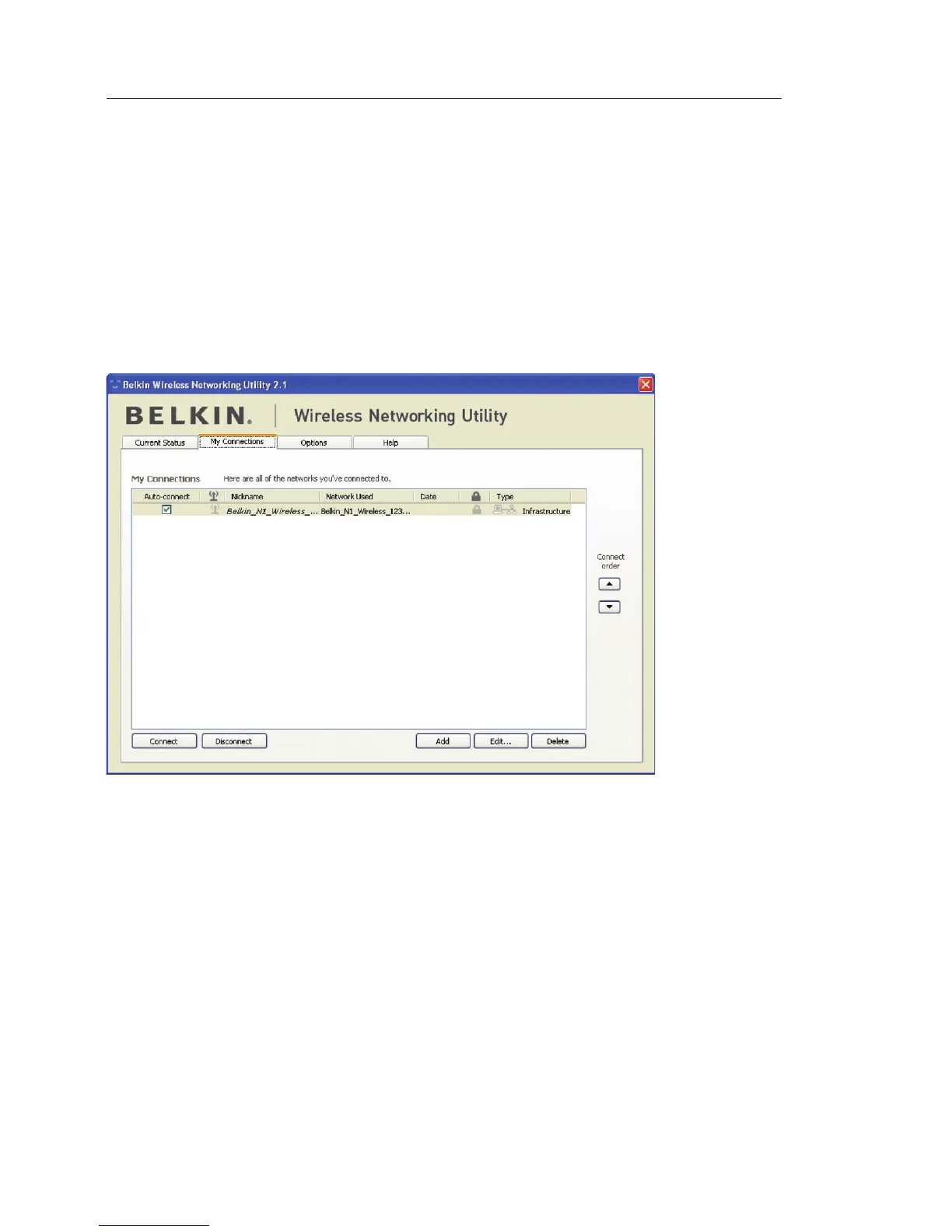
To access the security settings on your Card, click the “My
Connections” tab and point to the connection for which you want to
change security settings. Click “Edit” to change settings.



 To Next Page