Step 2 Insert
Insert the Adapter into your Computer
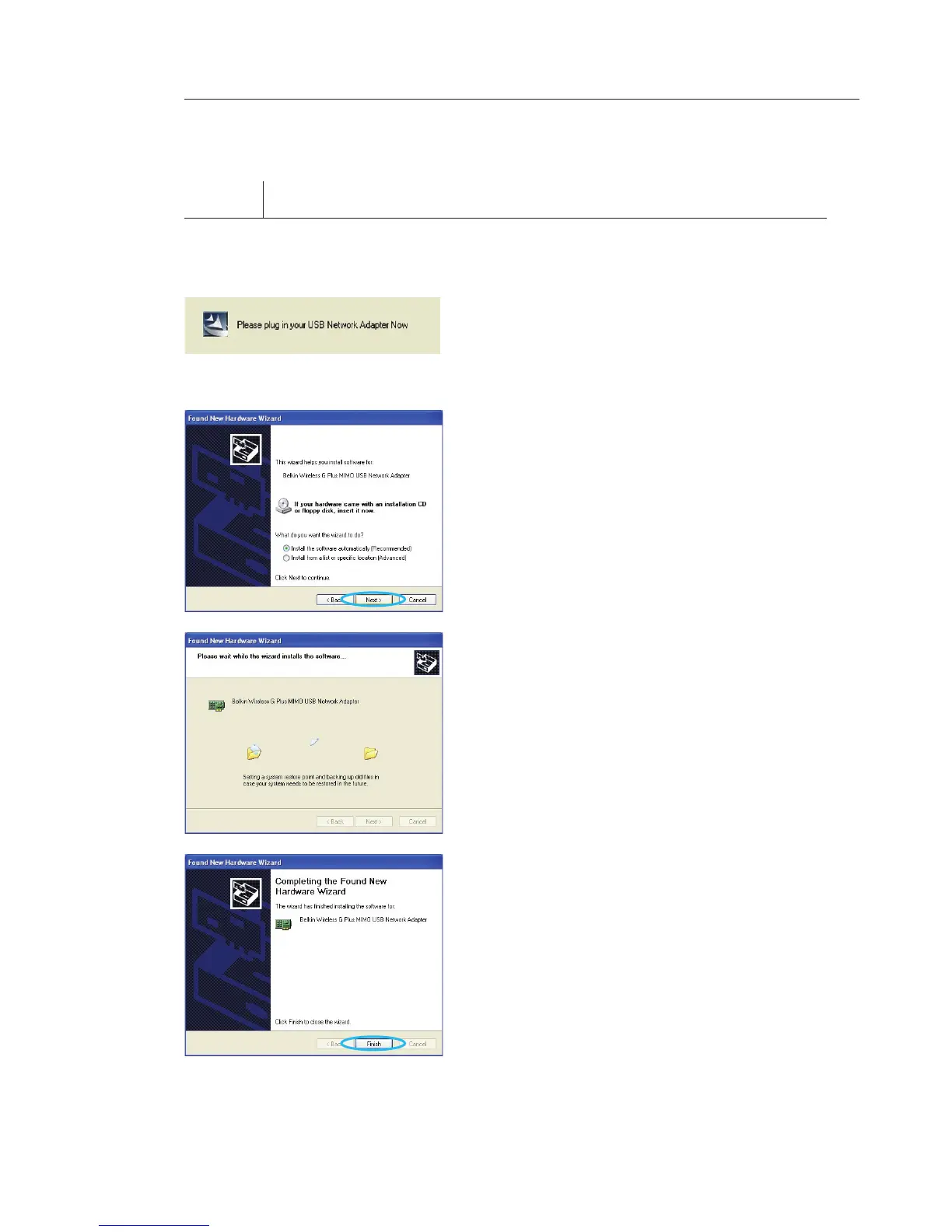
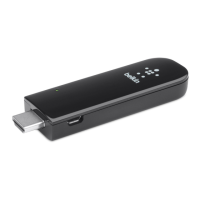
2.1 After the software installation is
complete, the message “Please
plug in your USB Adapter now” will
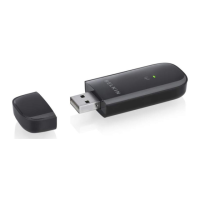
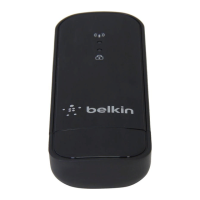
appear. Insert your Belkin Adapter.
2.2 The Found New Hardware Wizard
will appear. (This may take 15–20
seconds.) Select “Install the
software automatically” and click
“Next” to install the hardware.
2.3 The Wizard will now install your
software.
2.4 The installation is now complete.
Click “Finish” to exit.
Installing and Setting up the Adapter








 To Next Page