7
section
1
2
3
4
5
6
Overview
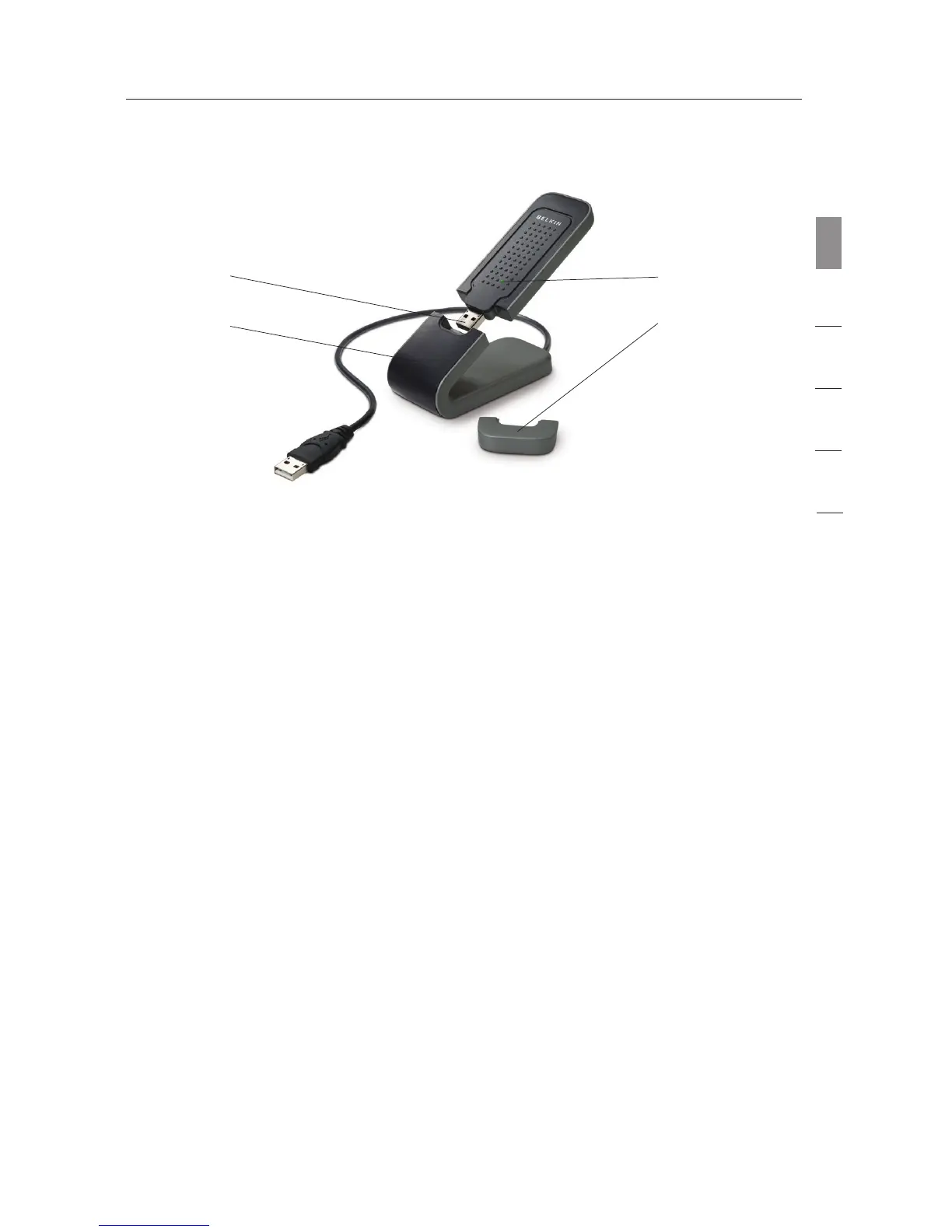
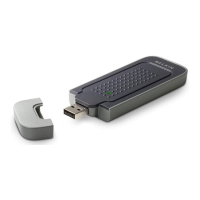
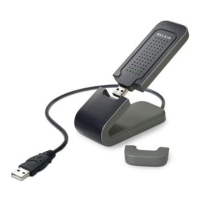
(a) Protective Cap
The cap is provided to protect the USB connector during transportation.
Remove the cap before inserting the USB Adapter to your computer’s
USB port or through the provided Desktop Stand.
(b) Power/Activity LED
Lights when the Adapter is powered on and flashes when the Adapter is
active.
(c) USB Connector
Part of the Adapter that fits into your computer’s USB port.
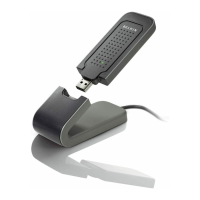
(d) Desktop Stand
Lets you move the USB Adapter away from interfering objects around
your computer.
System Requirements
• PC-compatible laptop with one available USB port
• Windows
®
2000 or XP
Package Contents
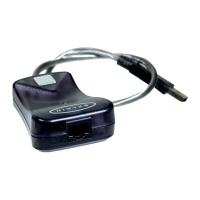
• Wireless G+ MIMO USB Network Adapter
• Desktop Stand
• Quick Installation Guide
• Installation Software CD
• User Manual
(b)
(a)
(c)
(d)




 To Next Page