Étape 2 Insérez
Insertion de l’adaptateur dans l’ordinateur
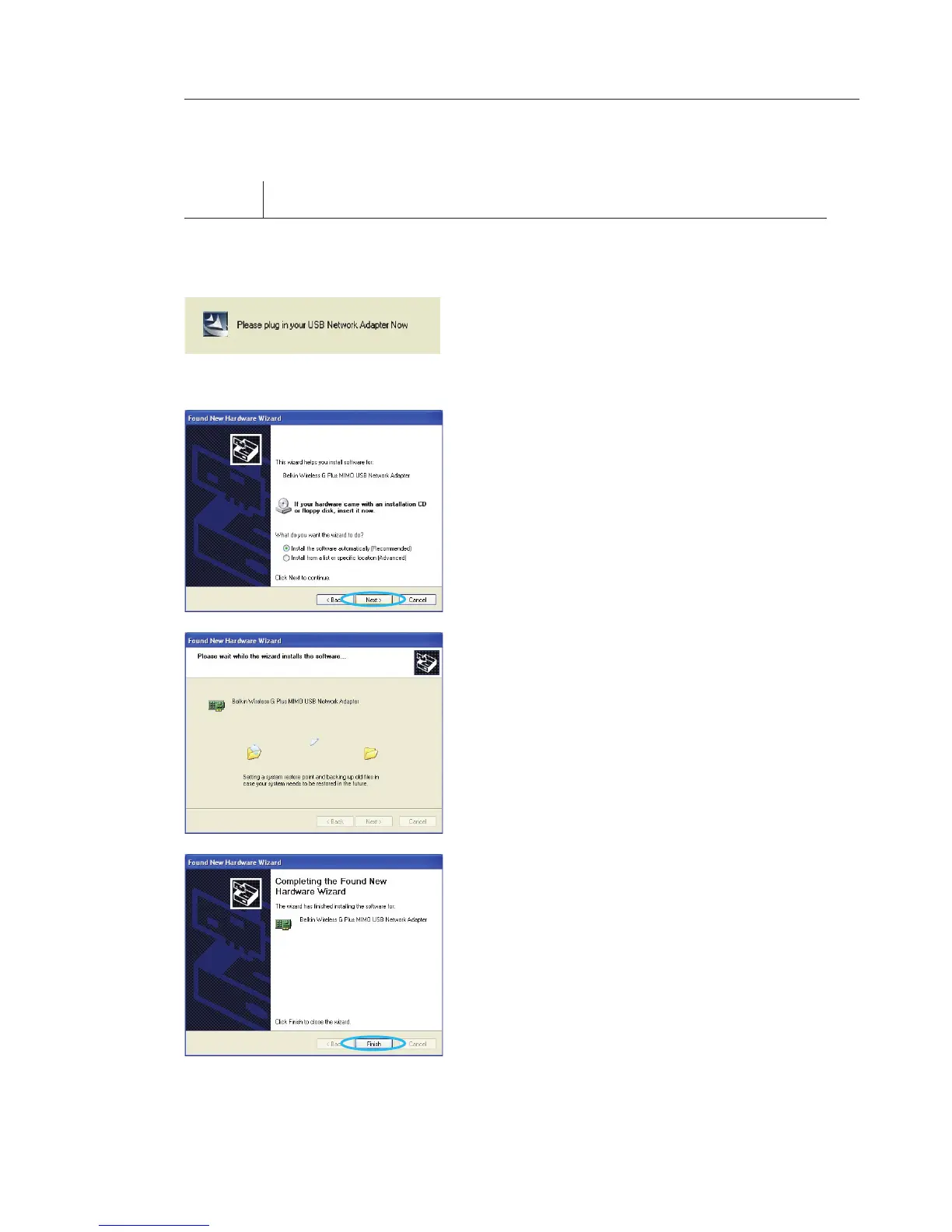
2.1 Une fois l’installation du logiciel
terminée, le message « Please
plug in your USB Adapter now
[Vous pouvez maintenant brancher
votre adaptateur USB] » apparaît.
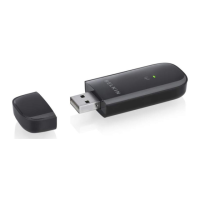
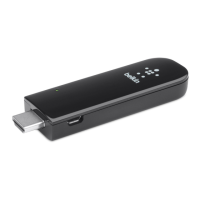
Insérez votre adaptateur Belkin.
2.2 La fenêtre « Found New Hardware
Wizard [Assistant Ajout de nouveau
matériel] » apparaît. (Ceci peut
prendre de 15 à 20 secondes).
Sélectionnez « Install the software
automatically [Installer le logiciel
automatiquement] » et cliquez sur
« Next [Suivant] » pour poursuivre.
2.3 L’assistant installe maintenant le
logiciel.
2.4 L’installation du pilote est
maintenant terminée. Cliquez
« Finish [Terminer] » pour quitter.
Installation et configuration de l’adaptateur








 To Next Page