Using the Belkin Wireless Networking Utility
23
1
2
3
4
5
6
section
3. Click “Save” to finish. You must now set all clients (network
cards) to match these settings.
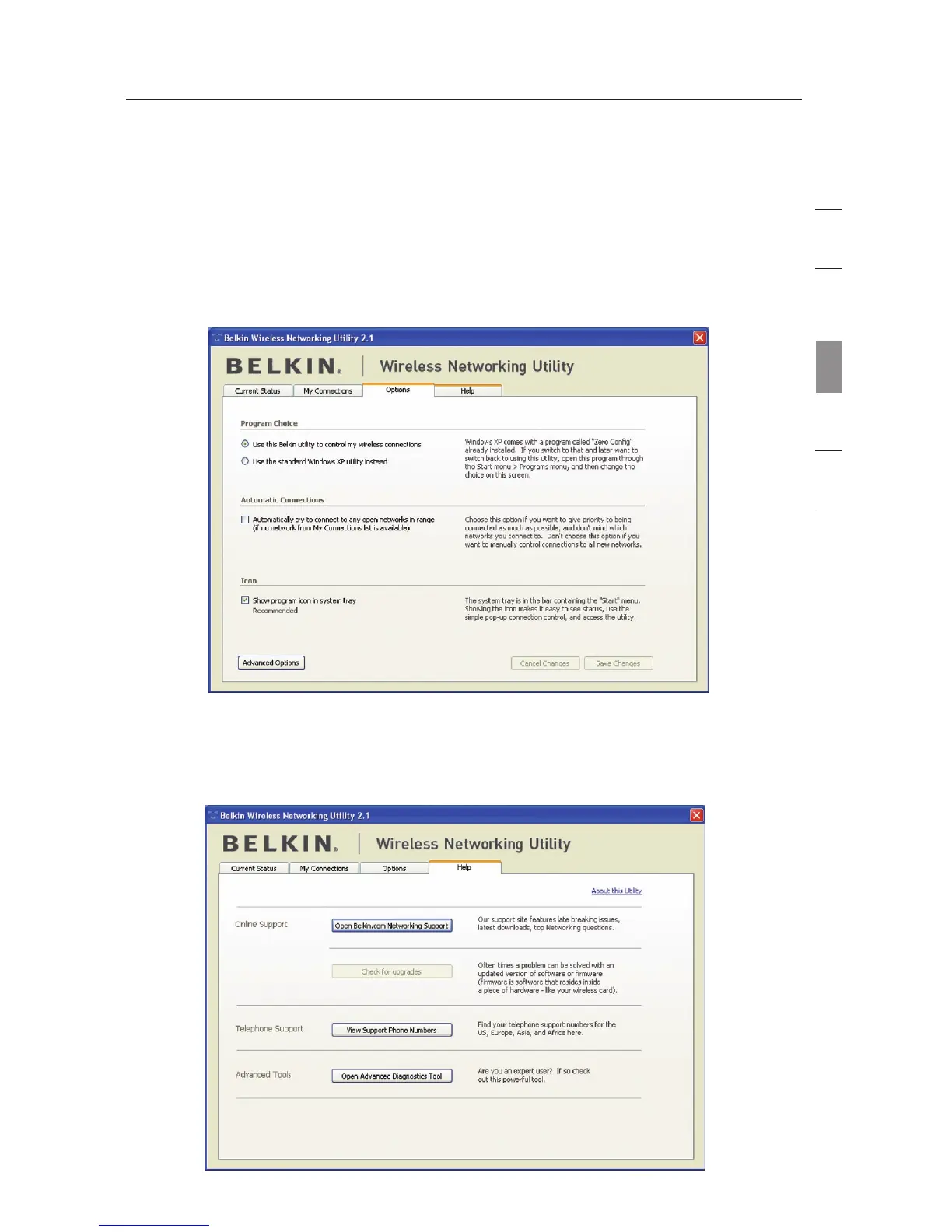
Wireless Networking Utility Options
The “Options” tab on the WNU provides the user the ability to
customize his or her WNU settings.
Wireless Networking Utility Help
The WNU “Help” tab provides users with access to online and
telephone support, as well as advanced diagnostic tools.








 To Next Page