*Default setting
View Activated by User (CCTV mode)
‘CCTV Mode’ must only be enabled at one door. Camera 1 at this entrance will then be
the first camera to be viewed. On Version 1 BSD1’s DIP SW3 (1-4) must also be all “ON”
at that door.
‘Global View’ at Multiple Entrances
If ‘Global View’ is enabled, successive presses of the view button will enable all entrance
to be viewed in turn, including any second cameras, if enabled.
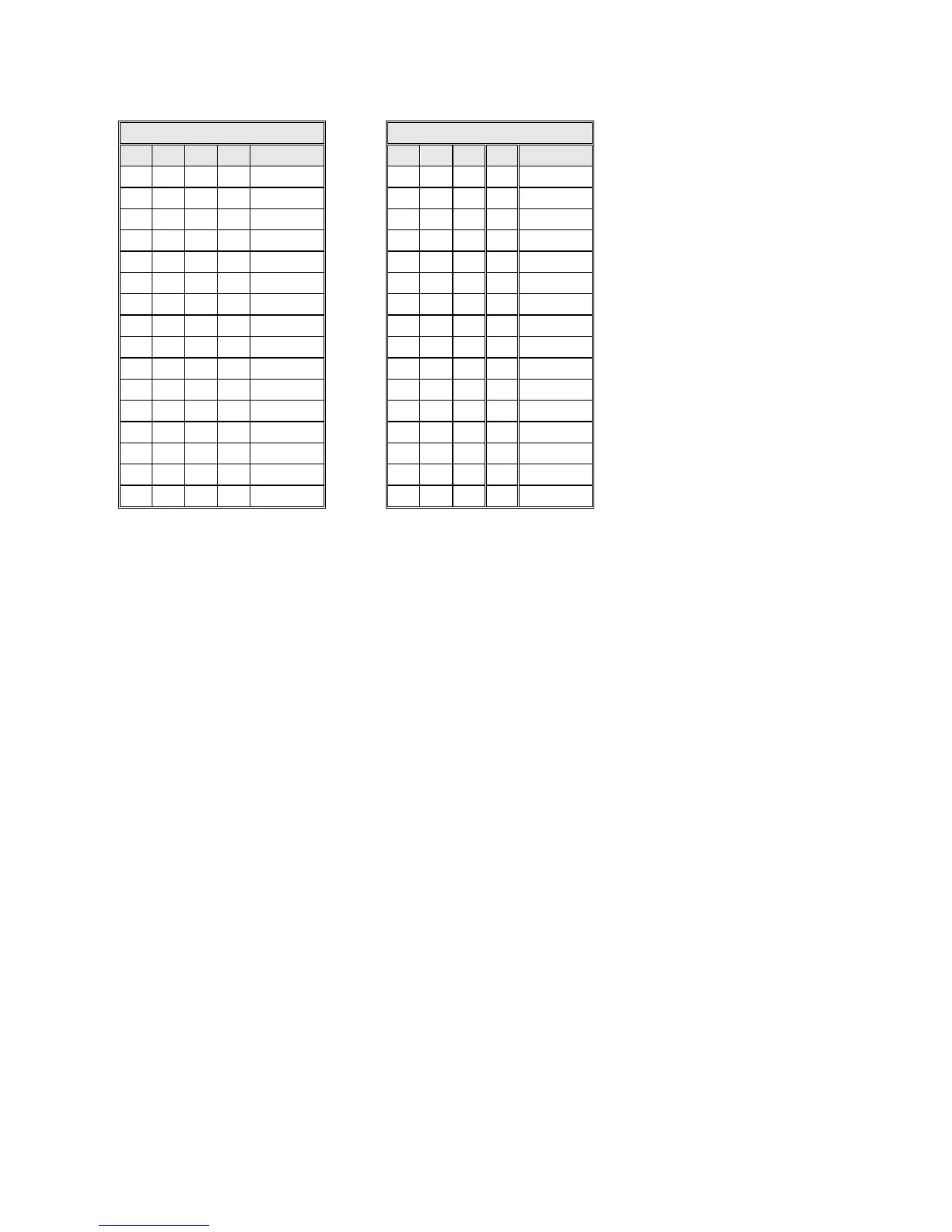
Setting up the door controllers to enable ‘Global View’ requires careful setting of the
switches. Not all entrances have to participate in ‘Global View’, and these entrances
should remain set to ‘Local View’.
For the participating entrances number the cameras 1, 2, 3, …etc. It is recommended that
the entrance selected for CCTV is also numbered as camera 1
NB. The sequence must start with 1; the maximum is 16. If an entrance has 2 cameras
then it will have 2 consecutive addresses.
Each controller must also record the last camera number in the sequence – this will be the
same setting for all participating entrances.



 To Next Page