12
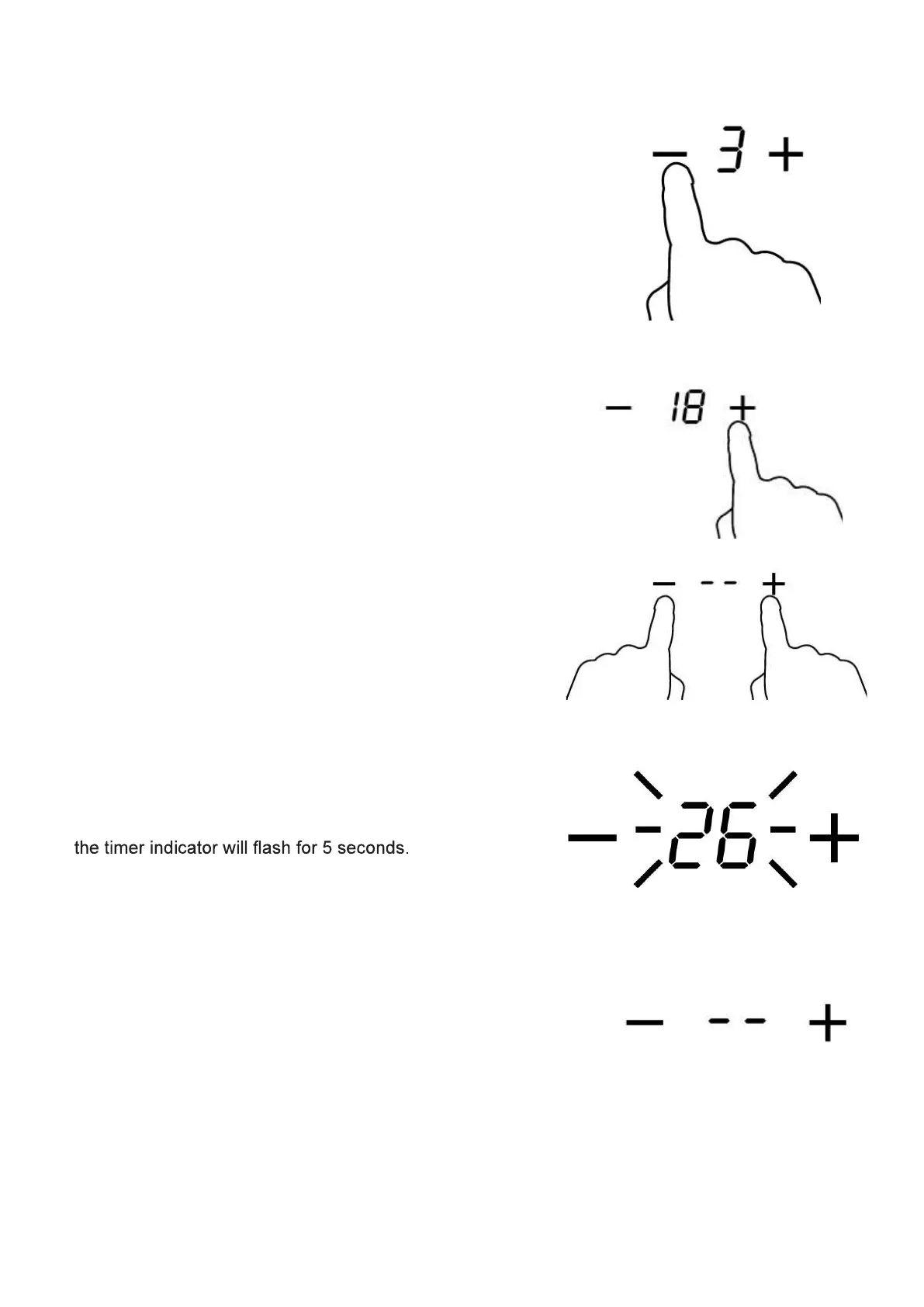
Setting the timer to turn one cooking zone off
1. First select the cooking zone you wish to use and select a power level
for that cooking zone. Make sure that you have touched the “-“ or “+”
key of the relevant cooking zone immediately before using the timer
controls.
2. Use the timer control “-“ and/or “+” keys to select the cooking
duration time.
3. By touching the ”-“ and “+” keys together, the cooking
duration time is cancelled, and the display will show ‘--’.
4. When the time is set, it will begin to count down
immediately. The display will show the remaining time and
5. When the cooking duration time has elapsed, the corresponding
cooking zone will be switched off automatically. ‘--’ shows in the
timer display.


 To Next Page