8
Start cooking
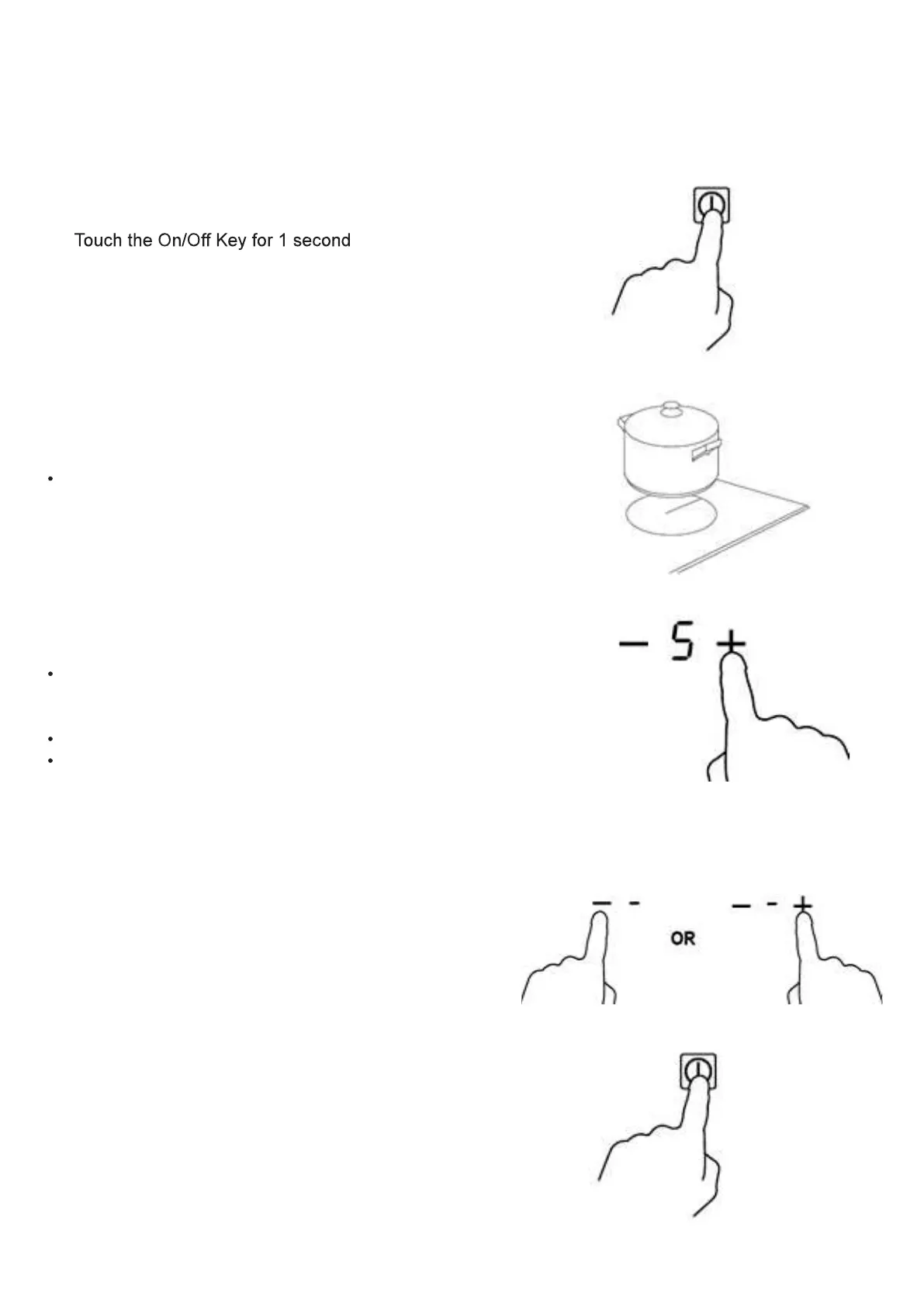
After switching the hob on, the buzzer will beep once. All the indicator lights, light up for a second and
go out, to indicate that the ceramic hob is now in standby mode.
1.
a beep sounds and the cook zone displays become illuminated.
2. Place a suitable pan on the cooking zone that you wish to use.
Make sure the bottom of the pan and the bottom of the cooking
zone are clean and dry.
3. Select a heat setting by touching the ”+” or ”-“ control.
If you don’t choose a heat setting within 1 minute, the ceramic
hob will automatically switch off. You will need to start again at
step 1.
You can modify the heat setting at any time during cooking.
By holding down either of these buttons, the value will adjust
up or down.
Finish cooking
Turn the cooking zone off by scrolling down to “-“ or
touching “-“ and ”+” control together.
Turn the whole hob off by touching the On/Off key


 To Next Page