6
USING YOUR APPLIANCE
Getting to know your product
Note: Your appliance layout may differ depending on the model.
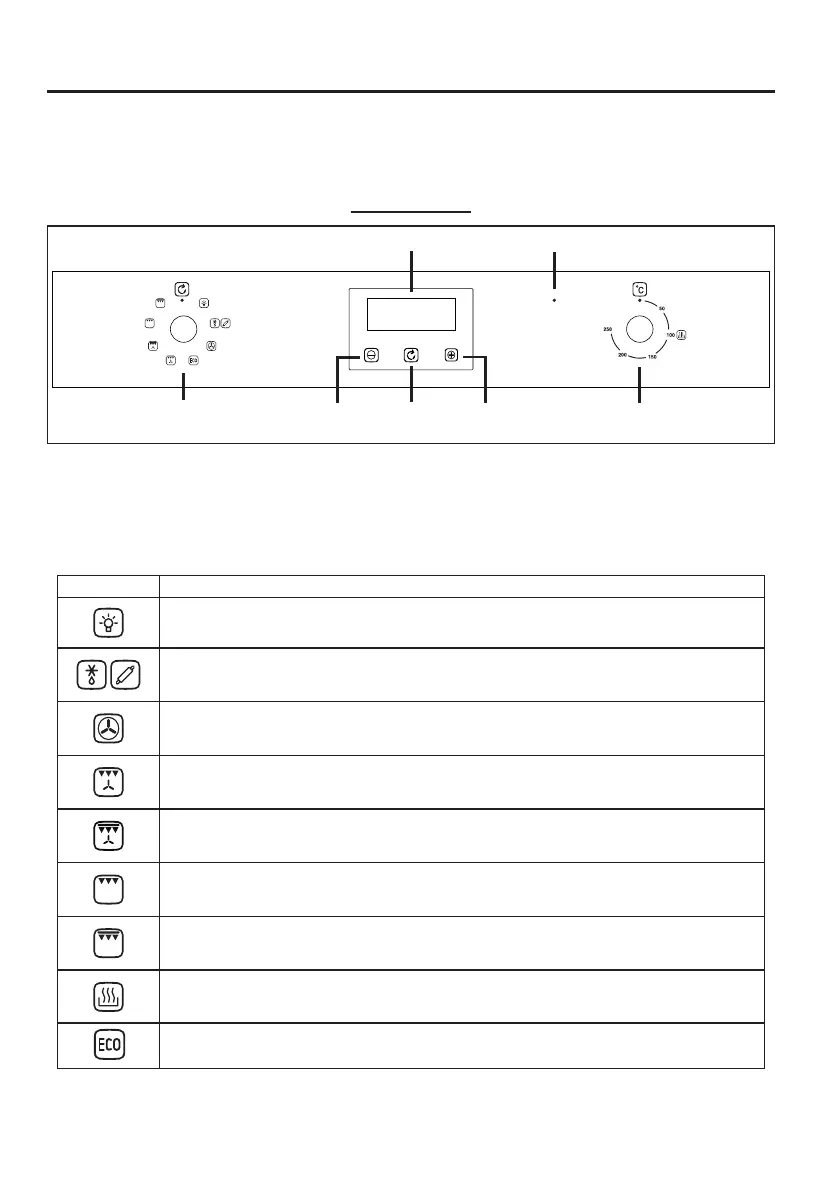
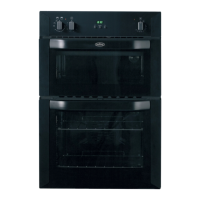
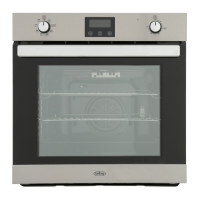
Control Panel
Oven / Grill functions
Note: Your oven may not have all of the functions shown here. We recommend for best cooking results,
please preheat for 15 minutes.
Symbol Function Description
Oven Lamp:- Can be operated on its own for cleaning or maintenance without any heating elements coming
on.The Oven lamp will also come on when any oven function is selected.
Defrost and Dough Proving:- Can be used to gently defrost frozen foods, This setting can also be used to help
dough to rise faster than at room temperature.
Fanned Oven:- The even temperature in the oven makes this function suitable for batch baking, or batch cooking
foods.
Fanned Grill:- The fan forces air around the food and is ideal for thinner foods such as bacon, sh and gammon
steaks. Foods require less turning. Use this function with the oven door closed.
Fanned Dual Grill:- The fan forces air around the food and is ideal for thinner foods such as bacon, sh and
gammon steaks. Foods require less turning. Use this function with the oven door closed.
Single Grill:- The central area under the grill becomes hot and is ideal for toasting and grilling meats
such as sausages, chops and steaks. Use with the door closed. Place food in the middle of the grill pan.
Dual Grill:- Operates inner and outer grill elements. This function is useful for toasting and grilling
thinner meats, like bacon. Use with the door closed. Place food in the middle part of the grill pan.
Slow Cook:- Provides a gentle heat suitable for slow cooking or keeping food warm. Select the conventional
cooking function and set the temperature to 100
o
C.
Clock/Programmer
Oven Function Selector
Control (K1)
Oven Temperature
Control (K2)
Function PlusMinus
Indicator
except ECO function
The even temperature in the oven makes this function suitable for batch baking, or batch cooking foods.


 To Next Page