8
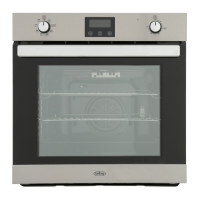
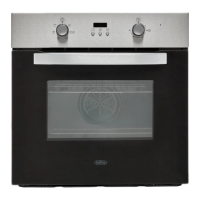
Oven
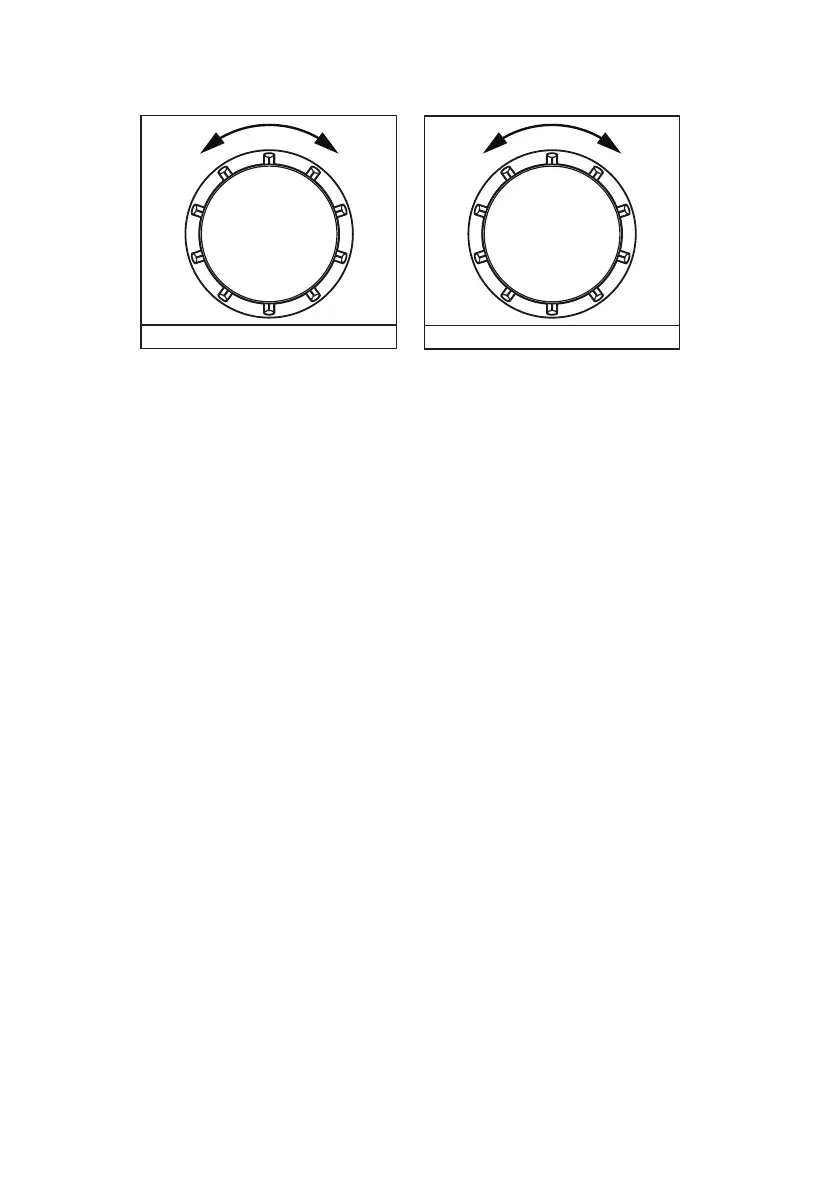
Selector control
Time/Temperature control
Cooling Fan
When cooking is nished, paused, or if the central oven temperature is over 75
o
C, the cooling fan will
continue working for 15 minutes. When the central oven temperature drops below 75
o
C, the cooling fan
will stop.
To use your appliance
To select a Cooking Function and Cooking Temperature
1. Begin by turning K1 to the desired cooking function. The selected function will be shown on the
appliance display.
2. Rotate K2 to select the desired cooking temperature. This can be adjusted during use. Note that
some functions (light only, Defrost etc) will not have a temperature option.
3. Press the Start/Conrmation key to set the function and temperature.
Note: Press the Pause/Off key once to pause cooking. Press the Pause/Off key twice to cancel
cooking.
To activate and deactivate the Child Lock function
Child lock can be activated to stop the product from being accidentally turned on.
1. Press and hold the Start/Conrmation and the Pause/Off keys until a beep is heard. A lock symbol
will appear on the display. This indicates that the Child Lock function has been activated.
2. To deactivate, press and hold the Start/Conrmation and the Pause/Off keys until a beep is heard.
The lock symbol will disappear from the display and the appliance can be used as normal.
Clock/Programmer
Setting the Time of Day
This can be done when the appliance is rst connected to the power supply or at any point afterwards
providing the oven is in standby (i.e not operating)
The clock is displayed as “hh:mm” and is a 24 hour clock.


 To Next Page