13
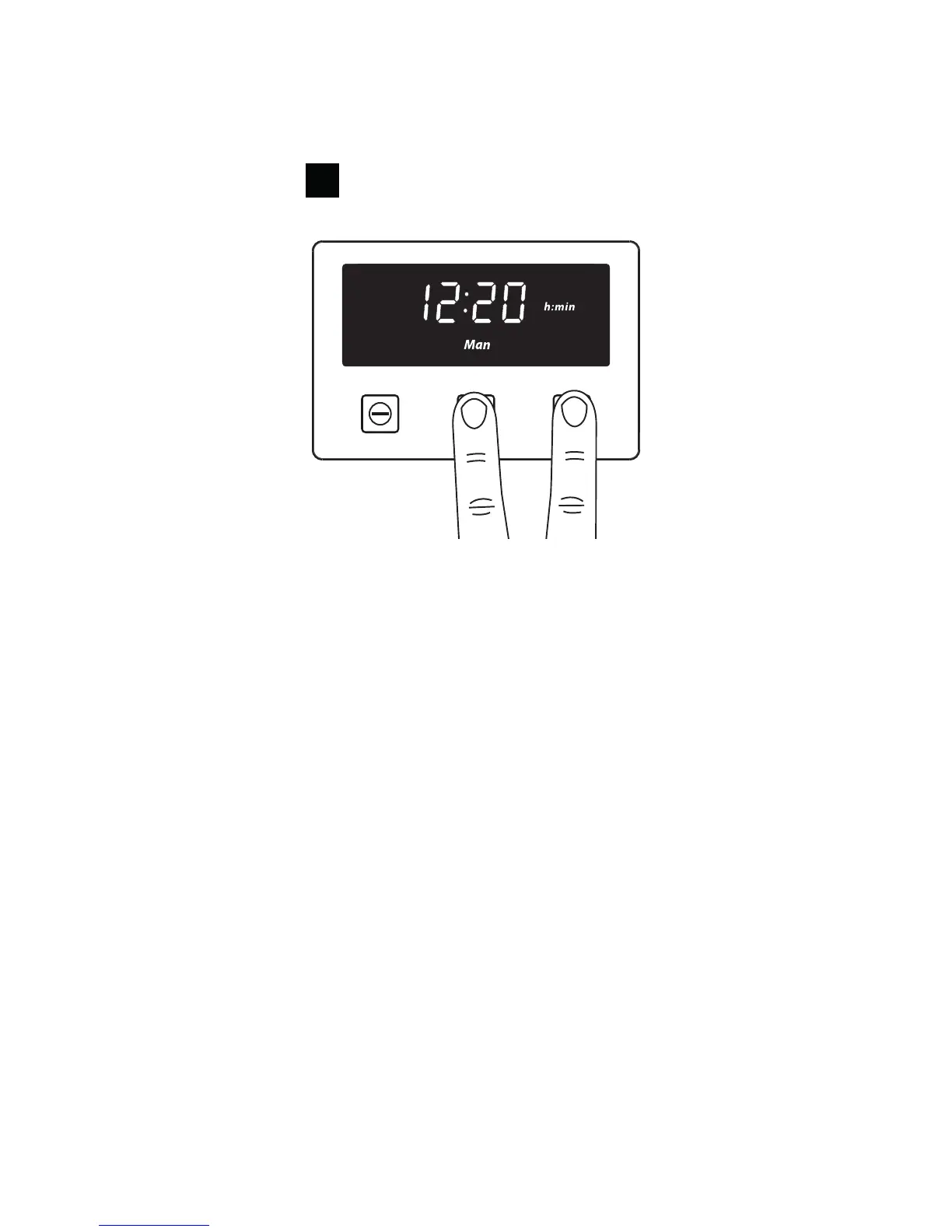
Clear Memory
Note: If connection diculties are experienced, it can be helpful to clear the bluetooth pairing between
the timer and the smart device. After the pairing has been cleared, the connection can be reestablished
from the beginning.
Once the beep is heard, any paired data will be cleared.
Delete pairing information in the Bluetooth Settings of your smartphone or tablet (the ‘unpair’ or ‘forget
this device’ option).
How to read the 6-digit pairing code
1. When the smart device connects to the appliance through the Zeus App, the App will ask for a
unique pairing code that will be displayed on the timer.
Note: Every time a new smart device connects though the Zeus App to the appliance, a dierent
pairing code is displayed.
2. When prompted to enter the 6-digit code, the code will appear on the timer.
The 6-digit code will scroll across the timer display from the right to the left.
Note: Be aware that the display can only show four digits at a time.
Please refer to the website at the front of this guide for more information or download the Zeus
AppliancecontrolApp(AvailableoniPhoneandAndroid)



 To Next Page