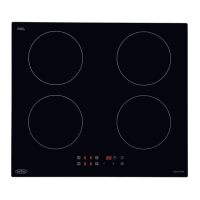
USING THE HOB - INDUCTION
Central On/Off switch.
The central on/off switch enables all of
the cooking zones to be switched off
simultaneously at a touch of a key.
To switch on the hob
The hob is switched On by touching the
“ON/OFF” key for 1 sec.
A beep sounds and all the heater displays
show a full stop in the cook zone display.
If the selection of a heater is not done
in 10 seconds, the hob will turn off
automatically.
The hob is switched Off by touching the
“ON/OFF” key for 1 sec.
A beep sounds and all the heaters are
switched Off.
Switching on an individual Hob Cook zone
To switch on a cook zone it is necessary to
actuate every cooking zone by means of
two operations:
1) Touch the required cook zone key
for approx 1s a beep sounds and the
heater display shows the power level with
normal brightness. The heaters that are
not selected are dimmed. When the cook
zone selection is finished after 10 seconds,
a beep sound and all the heater displays
that were dimmed show the power levels
with normal brightness.
2) Select the required power setting using
the up +/down – keys.
Switching off an individual Hob Cook zone
Once the cook zone is selected, it can be
switched off by touching the down [-] and
up [+] keys simultaneously. A beep sounds
and the corresponding display shows “0”.
Power Boost
Temporarily boost the power to a cook
zone by approx 25%, all areas can be
boosted for a period of up to 10 minutes,
After 10 minutes a beep sounds and the
heater will return to level “9”.
Quick Operation
With the cook zone at power level 0,
touch the down [-] key the power level will
raise straight to 9.
With the cook zone at power level 9, touch
the up [+] key the power level will raise to
the Power Boost level and a beep sounds
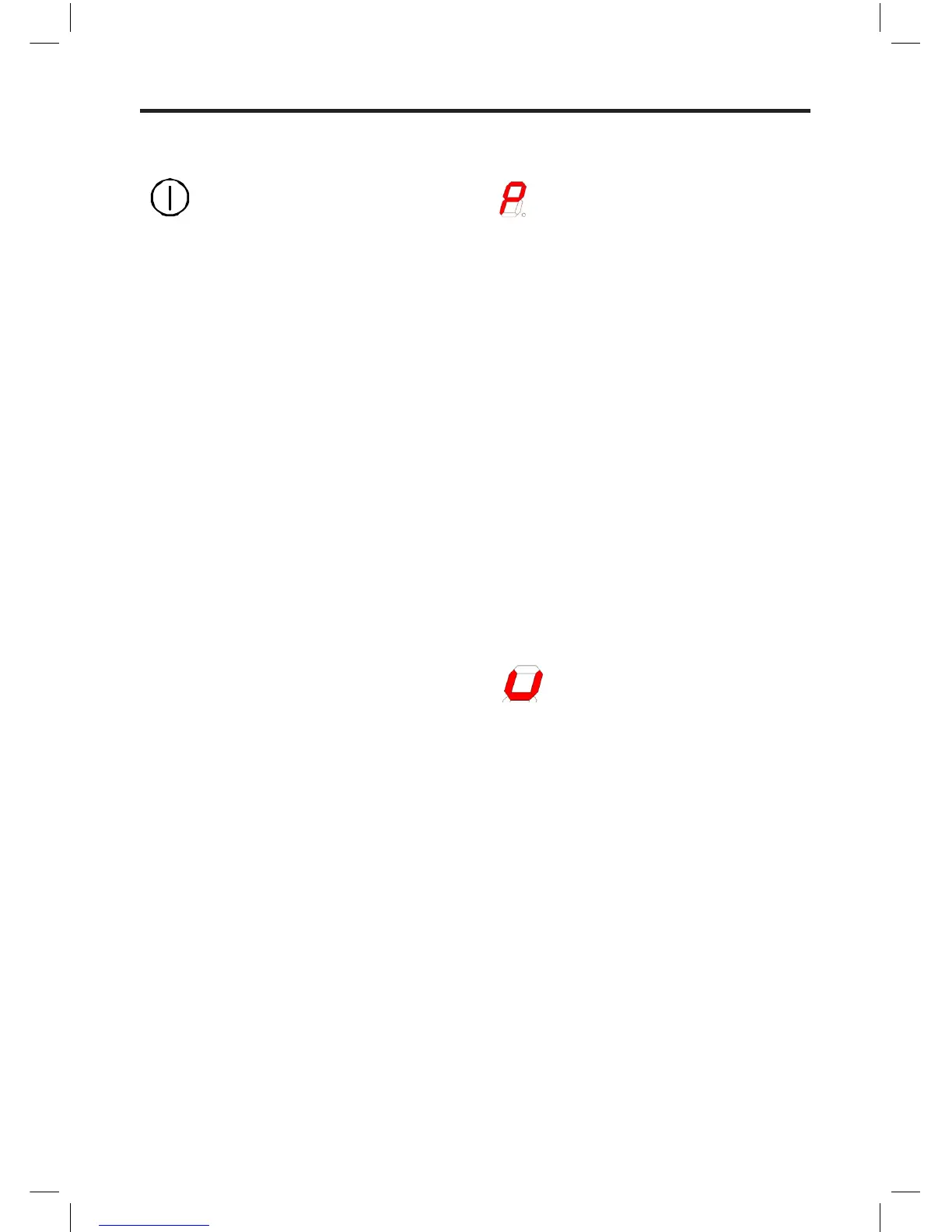
and the heater display shows “P”.
Pan Detection
As soon as you lift the pan off the zone the
power is automatically reduced, helping to
save energy.
The above “U” symbol appears when a
zone has been activated but no pan has
been placed on the cook zone,
If the “U” symbol does not disappear
when a pan is placed on the zone it
indicates that the pan is not suitable for
induction cooking.
Note
This means the hob only uses power when
a suitable pan is placed on the zone,
this reduces the energy used during the
cooking process, i.e. when you take your
pan off the zone the hob automatically
reduces the power, and only switches back
on when you replace the pan.
Page 3/9
Centra l On/Off switch.
The central on/off switch enables all of the cooking zones t o be switched off si multaneously at a touch of
a key.
To swit ch on the hob
The hob is switched On by touchin g the “ON/OFF” ke y for 1 sec.
A beep sounds and all the heater displays show a full stop in the cook zone display.
If the selection of a heater is not don e in 10 se conds, the hob wil l turn off a utomatically.
The hob is switched Off by touching the “ON/OFF” key for 1 sec.
A beep sounds and all the heaters are switched Off.
Switch ing on an individual Hob Cook zone
To switch on a cook zone it is necessary to actua te every c ooking zo ne by means of two operations:
1) Touch the required cook zone key for approx 1s a beep sounds and the heater display shows
the pow er level wi th normal brightness. The heaters that are not selected are dimmed. When the
cook zo ne selecti on is finished after 1 0 seconds, a beep sound a nd all the heater displays that
were dimmed show the power levels with no rmal brightness.
2) Select the required power setting us i ng the up +/down – keys.
Switch ing off an i ndividual Hob Cook zone
Once th e cook zone is sele cted, it can be switched off by touching the [-] and [+] keys simultaneo usly. A
beep sounds and the corresponding display shows “0”.
Page 4/9
Power Boost
Tempo rarily boo st the pow er to a cook zone by approx 25%, all areas can be boosted for a period of up
to 10 minutes, After 10 minutes a bee p sounds and the heater will return t o level “9”.
Quick Operation
With the cook zo ne at power level 0, touch the down [-] key the power level wi ll raise straight to 9.
With the cook zone at power level 9, touch the [+] key the power level will raise to the Power Boost
level and a beep s ounds an d the heater display shows “P”.
Pan Detection
As soon as you lift the pan off the zone the power is automatically reduce d, helping to save energy.
The above “U” symbol app ears when a zone has been activated b ut no pan has been placed on t he
cook zo ne,
If the “U” symbol d oes not disappear when a pan is placed on the zone it indicates that the pan i s not
suitable for indu ction cooking.
Note
This means the hob only us es power when a su itable pan is placed on the zone, this reduces the energy
used during the cooking process, i.e . when you take yo ur pan off the zone the hob automatical ly reduce s
the pow er, and on ly switches back on when you replace the pan.
Page 4/9
Power Boost
Tempo rarily boo st the pow er to a cook zone by approx 25%, all areas can be boosted for a period of up
to 10 minutes, After 10 minutes a bee p sounds and the heater will return t o level “9”.
Quick Operation
With the cook zo ne at power level 0, touch the down [-] key the power level wi ll raise straight to 9.
With the cook zone at power level 9, touch the [+] key the power level will raise to the Power Boost
level and a beep s ounds an d the heater display shows “P”.
Pan Detection
As soon as you lift the pan off the zone the power is automatically reduce d, helping to save energy.
The above “U” symbol app ears when a zone has been activated b ut no pan has been placed on t he
cook zo ne,
If the “U” symbol d oes not disappear when a pan is placed on the zone it indicates that the pan i s not
suitable for indu ction cooking.
Note
This means the hob only us es power when a su itable pan is placed on the zone, this reduces the energy
used during the cooking process, i.e . when you take yo ur pan off the zone the hob automatical ly reduce s
the pow er, and on ly switches back on when you replace the pan.


 To Next Page
 Loading...