USING THE HOB - INDUCTION
Touch Controls
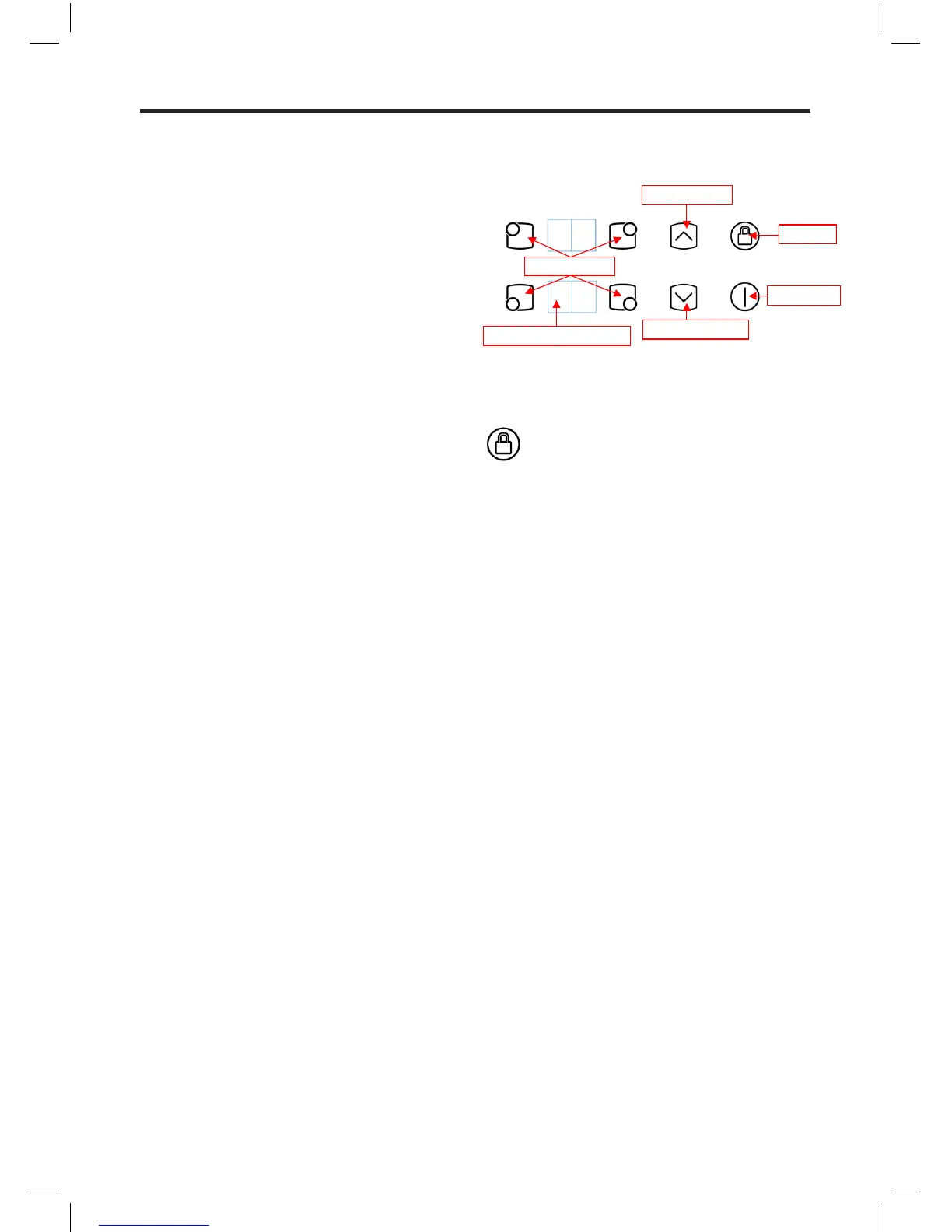
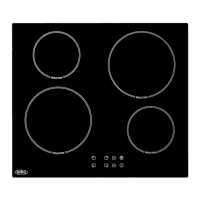
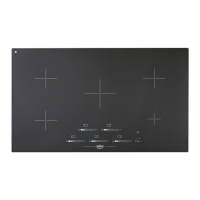
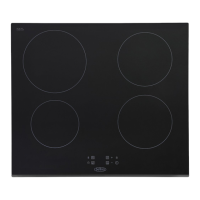
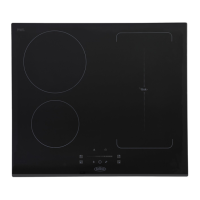
The touch controls for your induction hob
have been designed to provide you with
finger tip control of your hob, providing
accurate and repeatable power settings
for cooking and an easy clean surface
that can be easily wiped over. When a
cook zone is activated the power setting is
displayed for each zone individually,
Using the Touch Controls
Use the flat of your finger, not the tip, the
controls respond to touch, so you don’t
need to apply any pressure.
Always ensure the control area is clean,
dry and free from of any objects (e.g.
utensils, tea towels and cloths), spillages
and water may make the controls difficult
to operate.
A warning will be activated and will beep
every 10 seconds, to attract your attention,
please remove any objects and clean the
control area as appropriate.
Basic Control Functions
Key Lock
A RED LED indicates when the key lock is
active, to deactivate/activate touch the Key
Lock key for 1s.
The key lock is deactivated when the Red
LED switches off.
If the cook zones are on, the key lock
function locks all the keys except the
ON/OFF.
When all the hob cook zones are off,
the key lock function locks all the keys,
including the ON/OFF key.
The Key Lock is automatically activated
when power is initially applied to the Hob.
Page 2/9
Basic Control Functions
Key Lock
A RED LED indicates when the key lock is active, to deactivate/activate touch the Key Lock key for 1s.
The key lock is deactivated when the Red LED switches off.
If the cook zones are on, the key l ock function locks all the keys except the ON/OFF.
When all the hob cook zones are off, the key lock function locks all the keys, including the ON/OFF key.
The Key Lock is automatically activated when power is initially applied to the Hob.
Page 2/9
Basic Control Functions
Key Lock
A RED LED indicates when the key lock is active, to deactivate/activate touch the Key Lock key for 1s.
The key lock is deactivated when the Red LED switches off.
If the cook zones are on, the key l ock function locks all the keys except the ON/OFF.
When all the hob cook zones are off, the key lock function locks all the keys, including the ON/OFF key.
The Key Lock is automatically activated when power is initially applied to the Hob.


 To Next Page