E. USING OPTIONS
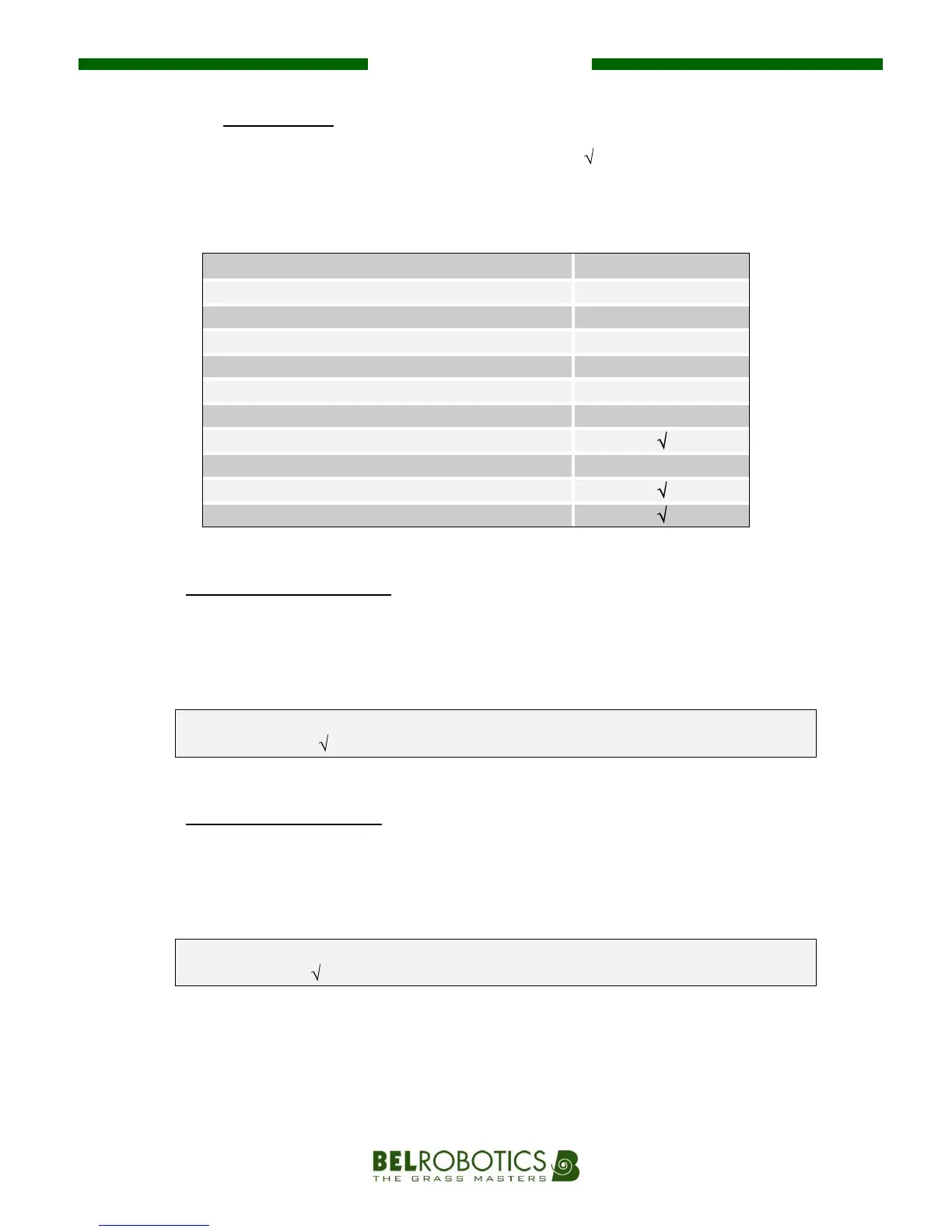
This sub-menu contains 11 options. Options can be selected ' ' or deselected ' - ' with the #
key by your dealer to suit your mowing area.
Caution is advised when using this sub-menu as modifications can significantly alter the
effectiveness of the robot.
Option "O00 – MultiRobot":
The "MultiRobot" option must be selected if several robots are working in the same
area.
From the "OPTIONS" screen, press # - F2 and use the # again to select or deselect the
option.
O00 MultiRobot: " - ", the robot will charge at any charging station.
O00 MultiRobot: " ", the robot will only connect to one specific available station.
In practice, this option must only be selected for specific cases (e.g. Golf courses).
Option "O01 – GoToChge":
This option requires the robot to return immediately to its charging station. Once the
robot’s batteries have been recharged, it automatically starts working again.
From the "MENU" screen, press F1.
O01 GoToChge: " - ", the robot continues working normally.
O01 GoToChge: " ", the robot returns to its charging station immediately.


 To Next Page