4
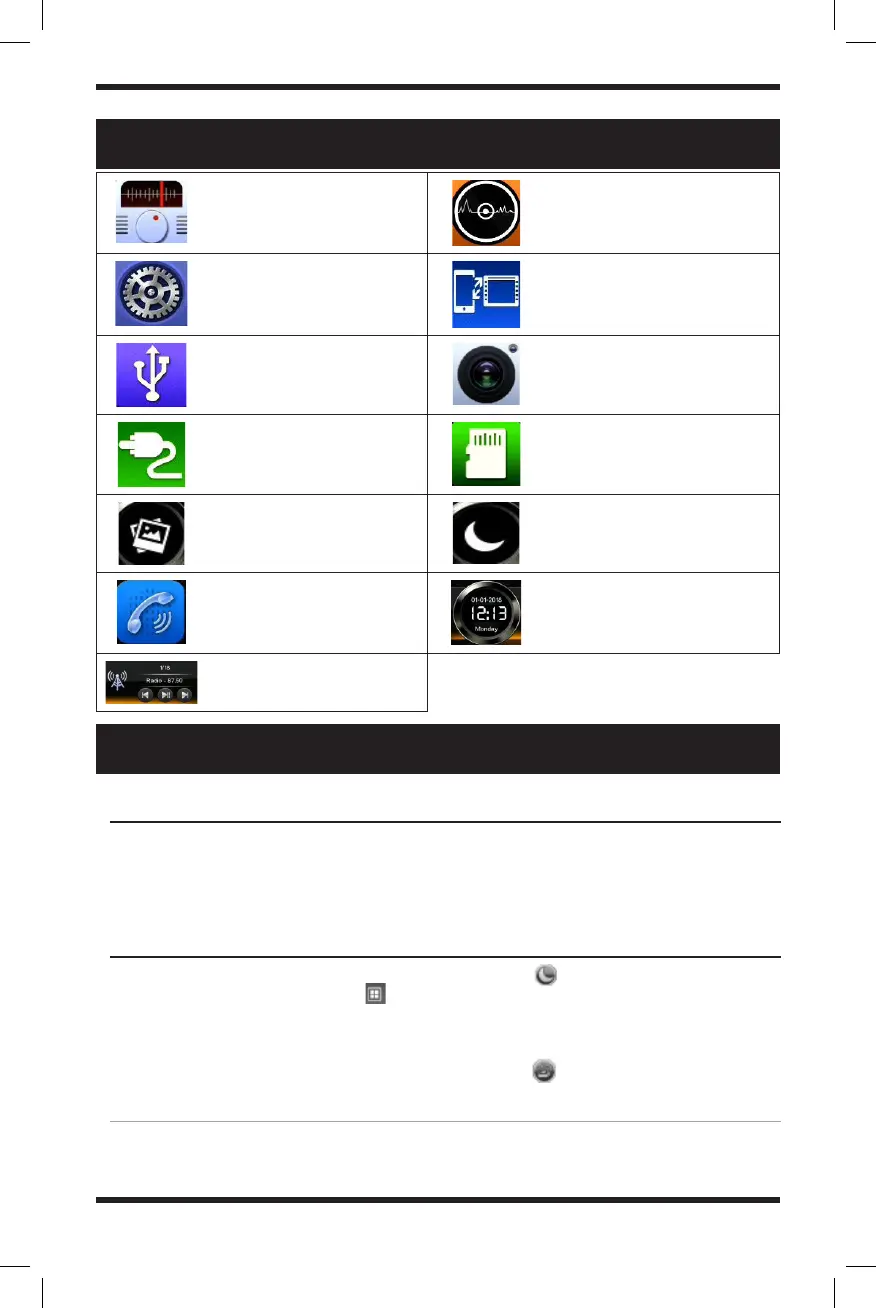
MAIN INTERFACE FUNCTION ICONS
BASIC OPERATION
Radio mode, listen to FM/AM
Disc play mode - automatically
play the in disk in the device
System setup interface Device mirroring mode
USB play mode (only valid when
a USB device is connected)
Backup Camera (only valid when a
backup camera is connected)
AUX play mode (only valid
when an AUX device is con-
nected)
SD card play mode = (only valid
when an SD card is connected)
Change the background - select
between 12 different back-
ground presets
Sleep mode - turn off the display,
touch the screen to turn it back
on
Bluetooth mode - Access
hands-free calling
functionality
Display the date and time
Play/Pause and Switch
Stations/Skip Songs
You can either turn on and off your stereo automatically with your vehicle or by using the
power button on the face of the unit. Once you remove your key from the ignition, the
stereo will automatically shut off. Once you start your vehicle again, the stereo will turn on
automatically as well.
NOTE: Certain applications will not be available if there is no device detected. For example,
you will be unable to use the USB function if there is no USB device connected.
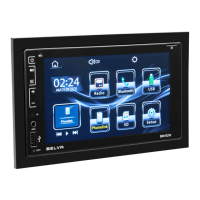
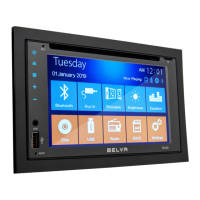
Upon start-up, the stereo will enter the last
mode used as the default. Tap the icon
to enter the main system interface. The
main interface is comprised of function
mode icons. By touching the functions you
will enter the corresponding operating mode.
Touch the icon to put the stereo’s
display in sleep mode. This will turn off the
display. Simply touch the screen again to
turn it back on.
Touch the icon to toggle between 12
different backgrounds.
Powering on/off the head unit
Main System Interface


 To Next Page