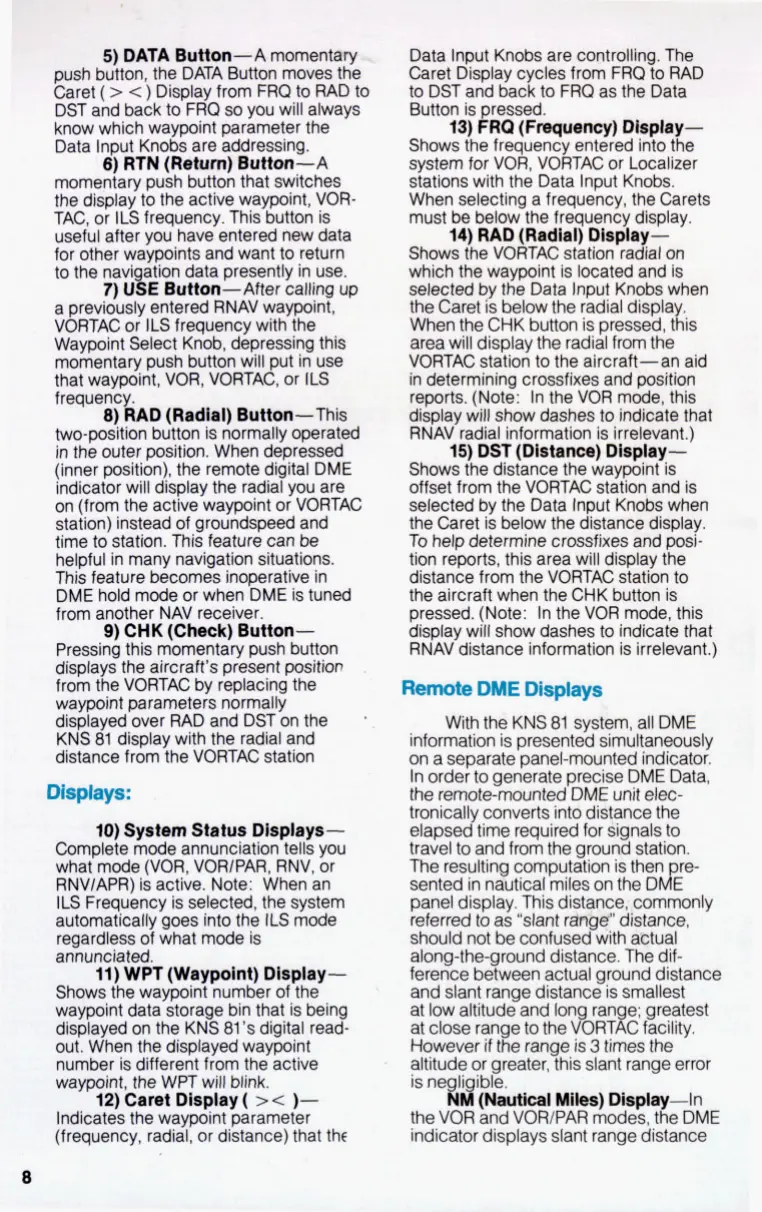
I-
5)
DATA Button-A moment-
-,
push button, the DATA Button moves the
Caret
(
>
c
)
Display from FRO
to
RAD
to
DST and back to FRQ
so
you will always
know which waypoint parameter the
Data Input Knobs are addressing.
6) RTN
(Retum)
Button-A
momentary push button that switches
the display to the active waypoint, VOR-
TAC, or
ILS
frequency. This button is
useful after you have entered new data
for other waypoints and want
to
return
to the navi ation data presently in use.
7)
UgE
Button-After calling up
a previously entered RNAV waypoint,
VORTAC or
ILS
frequency with the
Waypoint Select Knob, depressing this
momentary push button will put in use
that waypoint, VOR, VORTAC, or
ILS
frequency.
8)
RAD (Radial) Button-This
two-position button is normally operated
in the outer position. When depressed
(inner position), the remote digital DME
indicator will display the radial you are
on (from the active waypoint or VORTAC
station) instead of groundspeed and
time to station. This feature can
be
helpful in many navigation situations.
This feature becomes inoperative in
DME hold mode or when DME is tuned
from another NAV receiver.
9)
CHK (Cheek)
Button-
Pressing this momentary push button
displays the aircraft’s present position
from the VORTAC by replacing the
waypoint parameters normally
displayed over RAD and DST on the
KNS 81 display with the radial and
distance from the VORTAC station
a
Displays:
10)
System Status Displays-
Complete mode annunciation tells you
what mode (VOR, VORIPAR, RNV, or
RNVIAPR) is active. Note: When an
ILS
Frequency is selected, the system
automatically
goes
into the
ILS
mode
regardless of what mode is
annunciated.
11)
WPT
(Waypoint) Dlspiay-
Shows the waypoint number of the
waypoint data storage bin that is being
displayed on the KNS 81’s digital read-
out. When the displayed waypoint
number is different from the active
waypoint, the WPT will blink.
12)
Caret Display
(
>
<
)-
Indicates the waypoint parameter
(frequency, radial, or distance) that thc
Data Input Knobs are controlling. The
Caret Display cycles from
FRQ
to
RAD
to DST and back
to
FRQ as the Data
Button is pressed.
13)
FRO (Fmquency) Display-
Shows the frequency entered into the
system for VOR, VORTAC or Localizer
stations with the Data Input Knobs.
When selecting a frequency, the Carets
must be below the frequency display.
14)
RAD (Radial) Dlspiay-
Shows the VORTAC station radial on
which the waypoint is located and is
selected by the Data Input Knobs when
the Caret is below the radial displa
When the CHK button is pressed, tks
area will display the radial from the
VORTAC station to the aircraft-an aid
in determining crossfixes and position
reports. (Note: In the VOR mode, this
display will show dashes to indicate that
RNAV radial information is irrelevant.)
15)
DST (Distance) Display-
Shows the distance the waypoint is
offset from the VORTAC station and is
selected by the Data Input Knobs when
the Caret is below the distance display.
To help determine crossfixes and posi-
tion reports, this area will display the
distance from the VORTAC station
to
the aircraft when the CHK button is
pressed. (Note: In the VOR mode, this
display will show dashes to indicate that
RNAV distance information is irrelevant.)
Remote
DME Displays
information is presented simultaneously
on a separate panel-mounted indicator.
In order to generate precise DME Data,
the remote-mounted DME unit elec-
tronically converts into distance the
elapsed time required for signals to
travel
to
and from the ground station.
The resultiq computation is then
re-
sented in nautical miles on the D&
panel display. This distance;,commonly
referred to as “slant r&$$ distance,
should not be confused with aetual
along-the-ground distance. The dif-
ference between actual ground distance
and slant range distance is smallest
at low altitude and long range; greatest
at close range
to
the VORTAC facility.
However
if
the range is
3
times the
altitude or areater. this slant ranae error
With the KNS 81 system, all DME
-
isn
li
ibk.
%d(NautIcal
Miles) Display-In
the
VOR
and VOR/PAR modes. the DME
indicator displays slant range distance
8


 To Next Page