?
The
system
in
operation
I
Pre-fli
ht
s
stem
check
that
RNV
is still the active mode and
that waypoint
1
is the in "USE" or active
waFke you have already pressed
the SE Button on waypoint
1,
it should
be the active waypoint.
.
.
unless you
have pressed the USE Button while
another waypoint number was dis-
played.
If
waypoint
1
is still the active,
any other waypoint number being dis-
played will
be
blinking By pressing
the
FITN
Button,
you
can
cause the
Be
Br
ore ta
eoff,
check
to
be sure
display
to
return
to
the active waypoint.)
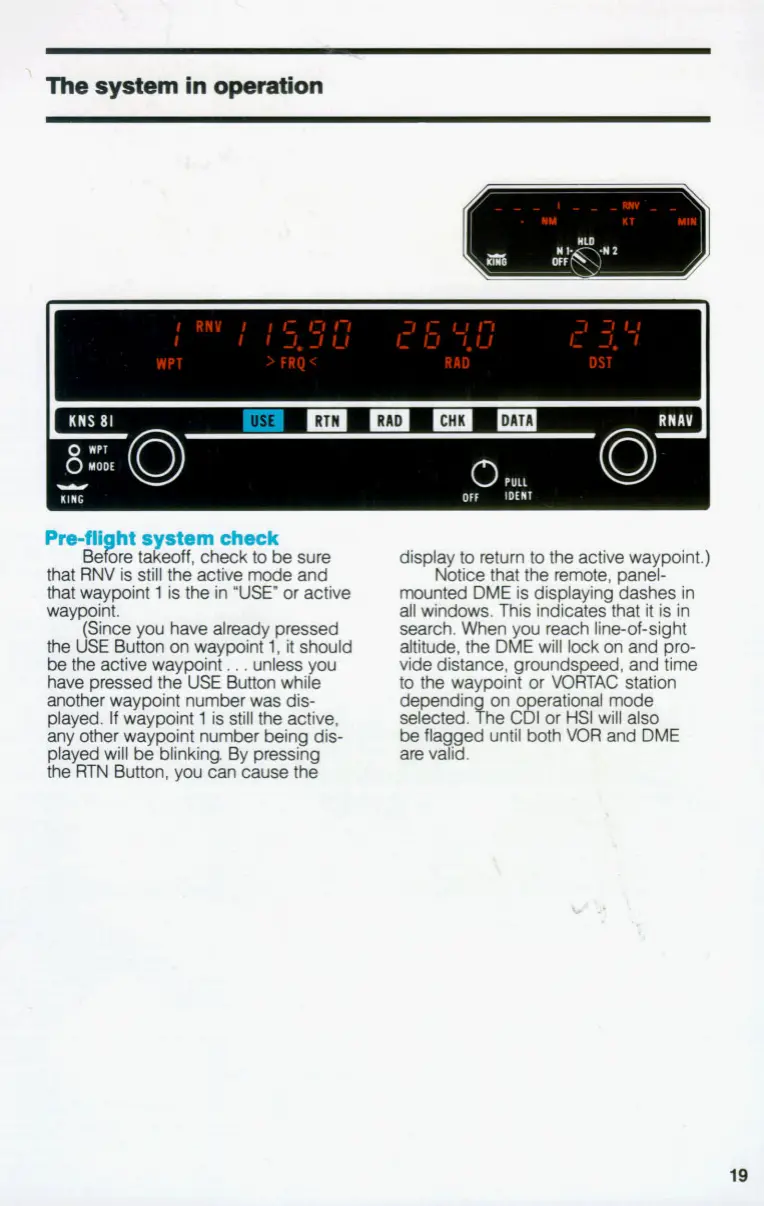
Notice that the remote, panel-
mounted DME is displaying dashes in
all windows. This indicates that it is in
search. When you reach lineof-sight
altitude, the DME will lock on and pro-
vide distance, groundspeed, and time
to
the waypoint or VOFITAC station
dependin on
o
rational @e
selected. The Cgfor
HSI
will also
be fla ged until both
VOR
and DME
are vcfid.
19


 To Next Page