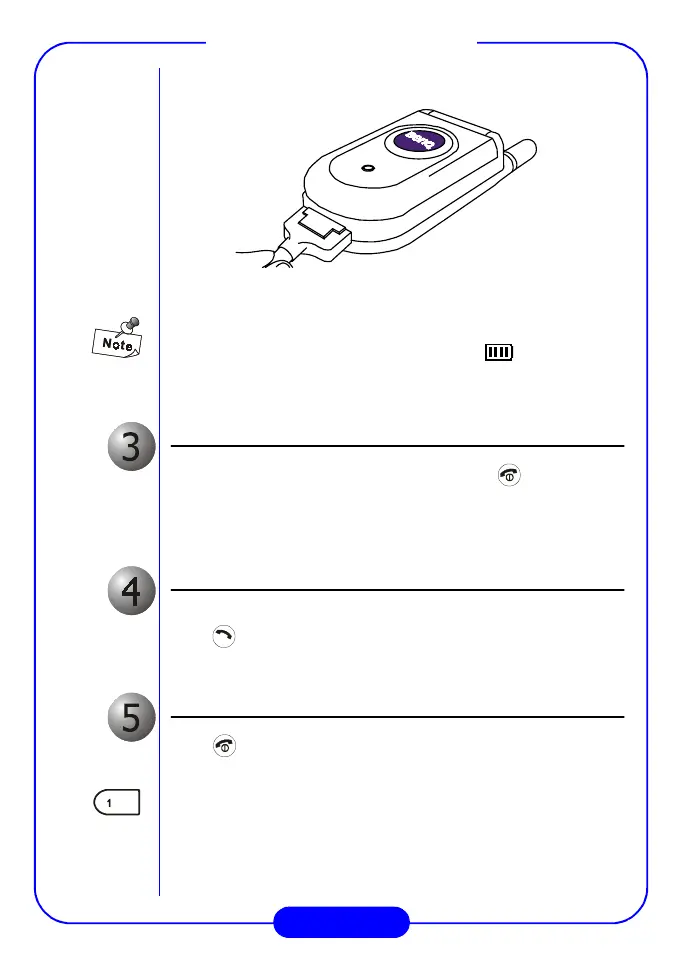
BenQ C600 Mobile Phone
Turn the phone on
After the battery is fully charged, press and hold key to turn on
the phone power. The phone beeps and a welcome animation will be
displayed on the screen. After the phone is turned on, it will start
searching the network to use.
Make a call
Enter the phone number with the keys on the keypad. When finished,
press key.
End a call
Press key to end the call.
Please set up the time for your phone first to ensure accuracy of time-
related data (such as Calendar and Scheduler). Please see “Set Time” on
page 46.
PUSH



 To Next Page