BenQ C600 Mobile Phone
• From "Incoming Call" log, choose a number to dial and press
key.
• From "Missed Call" log, choose a number to dial and press
key.
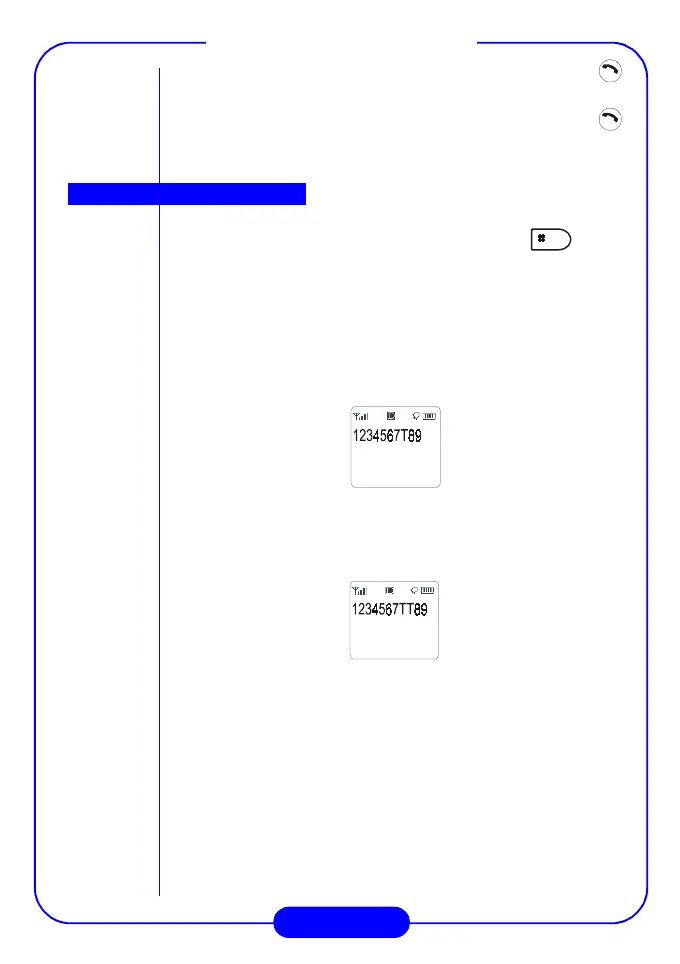
When you enter a phone number, you can press the key to
insert a time pause. T (time pause) will appear on the screen.
If a time pause is inserted, the phone will send the numbers after the
time pause after 3 seconds. This is useful when you want to call an
extension number.
For example, if you want to call 1234567, extension number 89:
3 seconds after the call “1234567” is connected, the phone will send
the number “89” automatically. You can lengthen the pause duration
by inserting more time pauses.
For example,
6 seconds after the call “1234567” is connected, the phone will send
the number “89” automatically.
Time pause



 To Next Page