Important safety instructions4
Safety instructions (continued)
11. Do not block the projection lens with
any objects when the projector is under
operation as this could cause the
objects to become heated or deformed
or even cause a fire. To temporarily
turn off the lamp, press BLANK button
on the projector or remote control.
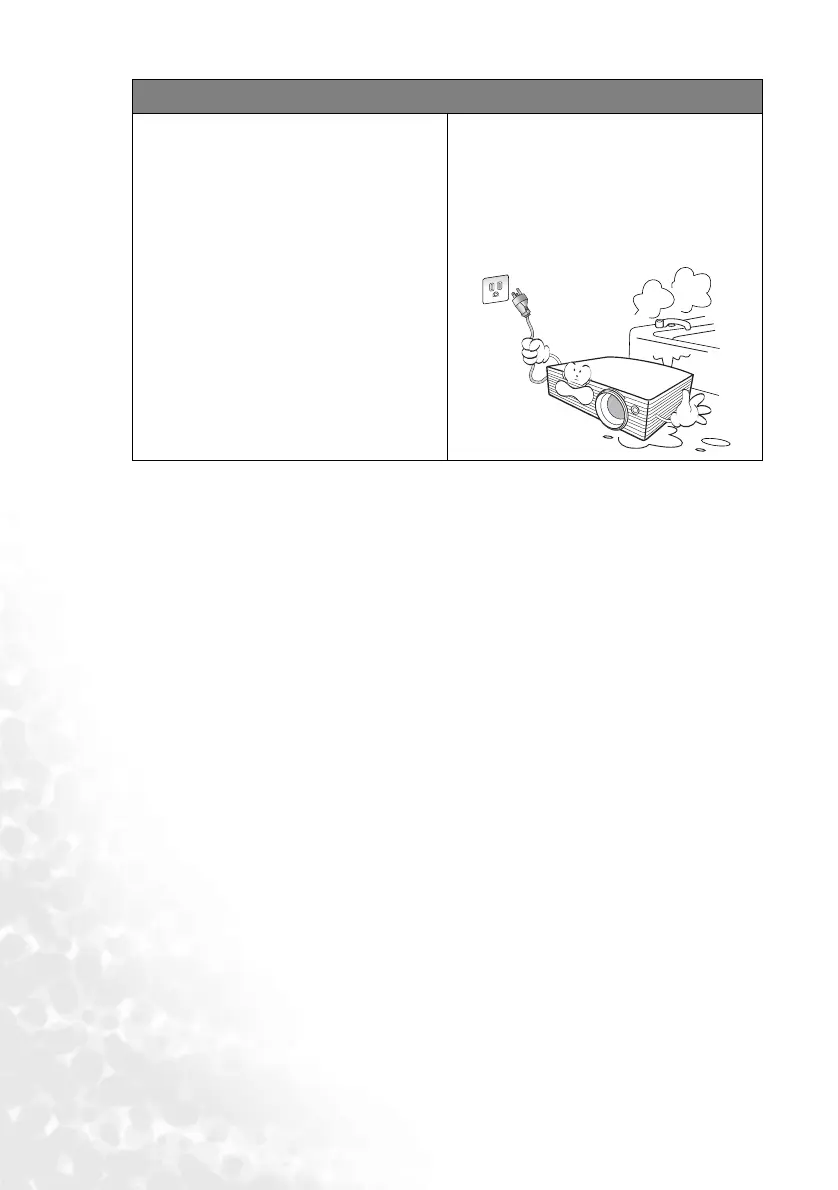
12. Do not place liquids near or on the
projector. Liquids spilled into the
projector may cause it to fail. If the
projector does become wet, disconnect
it from the power supply’s wall socket
and call BenQ to have the projector
serviced.



 To Next Page