22 Starting up the projector
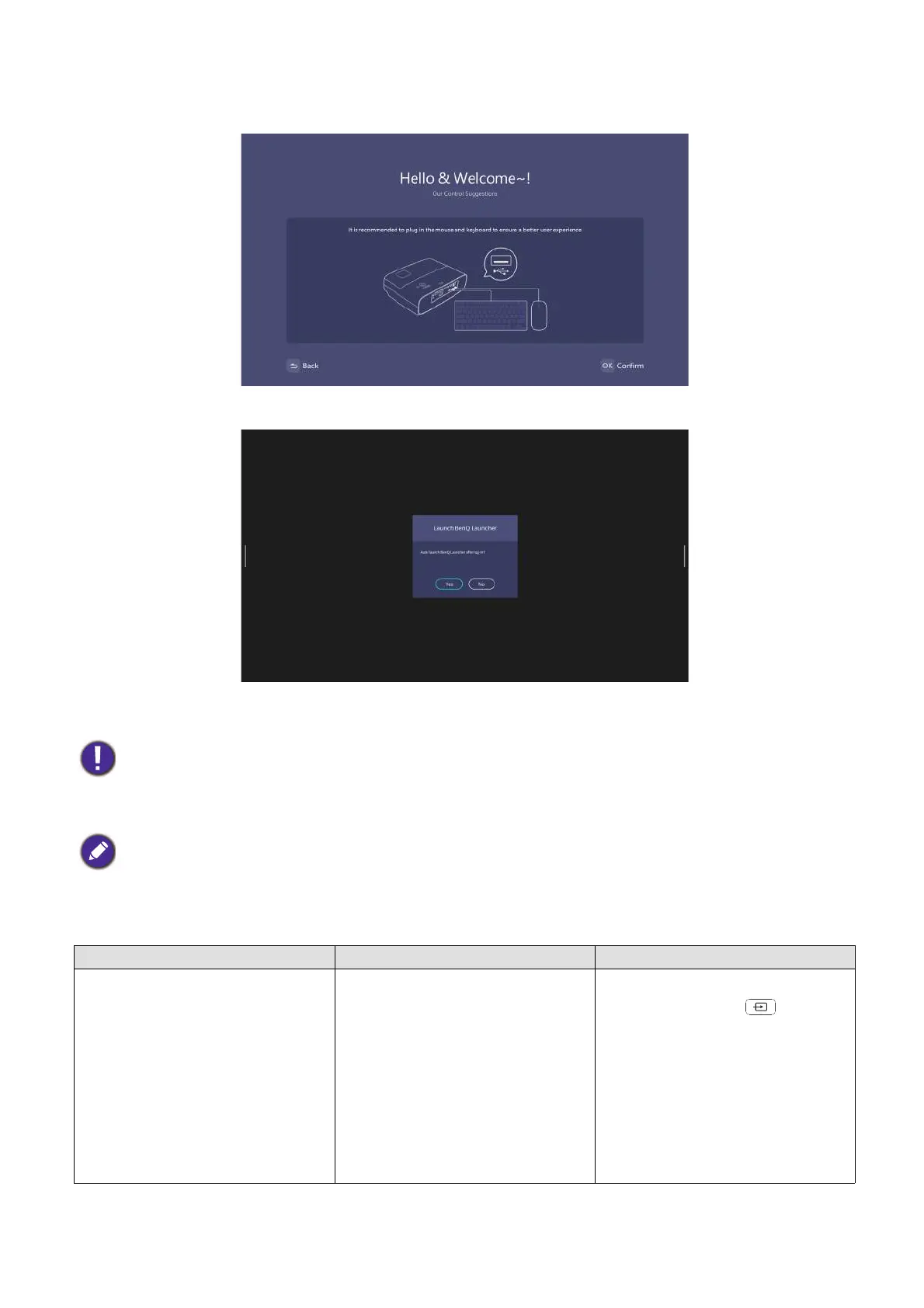
Install Windows operating system.
BenQ Launcher home screen will appear after the installation is completed.
Now you have two ways to work with this projector. Different operations are required depending on
your needs.
• Do not power off during the installation process; otherwise, Windows operating system will be damaged.
• A pop-up menu will appear to ask whether users want to enter windows or launcher interface process.
You can use a USB mouse to navigate BenQ Launcher and operate its function.
Scenarios Available functions Operations
Access BenQ Launcher BenQ Launcher functions:
• Wireless Projection
• Conference
• File manager
• Apps
• HID (Human Interface Device)
connectivity (e.g., mouse and
keyboard connection)
Press the LAUNCHER on the
remote control or
(SOURCE) and select BenQ
Launcher.












 To Next Page