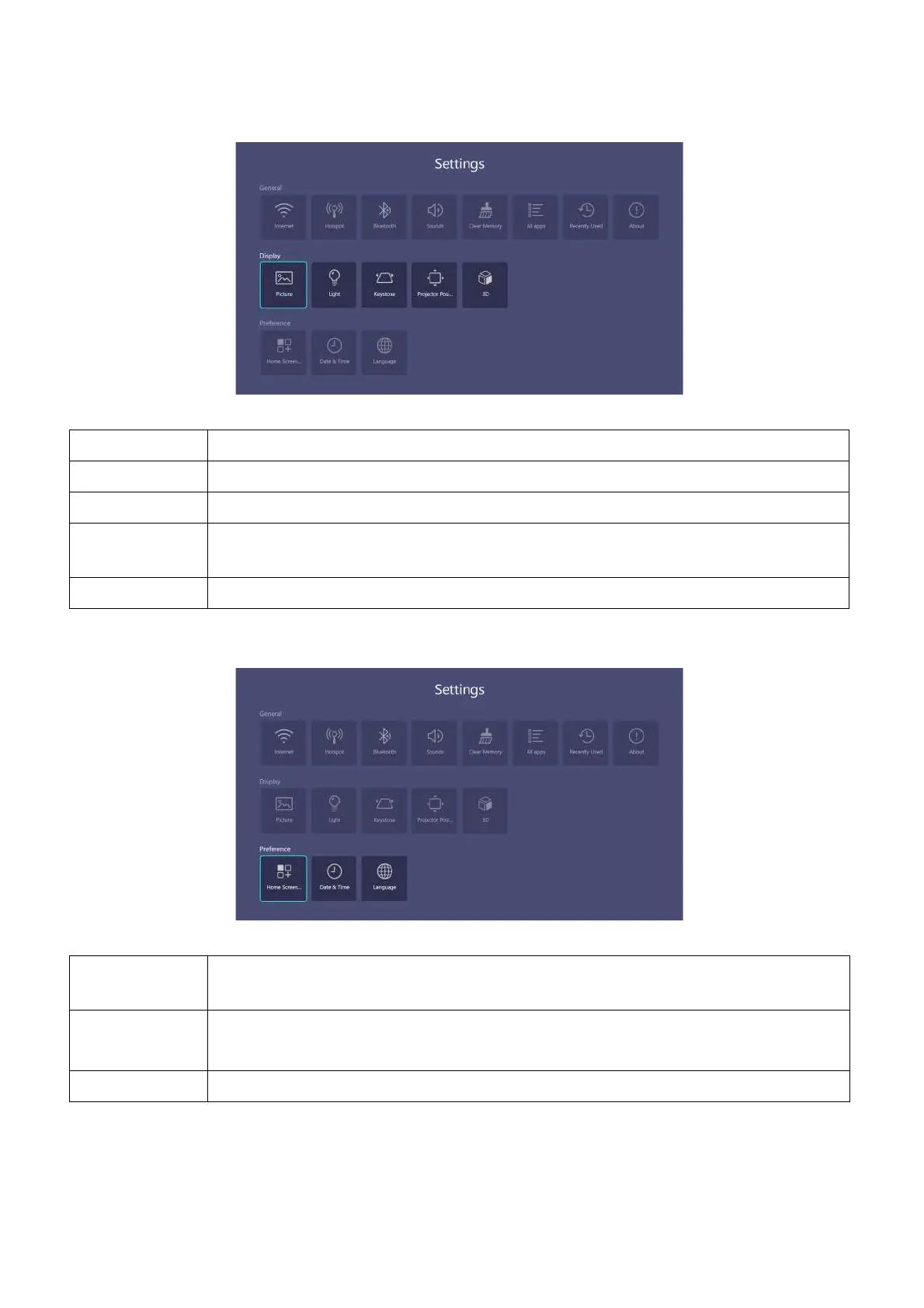
39 Operation (under Launcher source)
Display
Preference
Picture See Advanced menu on page 45 for the Picture settings options.
Light See Advanced menu on page 45 for the Light Settings settings options.
Keystone See Advanced menu on page 45 for the Keystone settings options
Projector
Position
See Advanced menu on page 45 for the Projector Position settings options.
3D See Advanced menu on page 45 for the 3D settings options.
Home Screen
Settings
Allows you to edit Shortcut or Settings displayed in BenQ Launcher home
page.
Date & Time
• Time Zone: Sets the time zone for the projector.
• Format: Sets the date and time format.
Language Sets the language of the system.












 To Next Page