4 Getting started
1. Getting started
Your FP241VW will provide the optimal display performance of the video resolution standard of
1920 x 1200. Please ensure that your graphic card supports the resolution of 1920 x 1200.
When unpacking please check you have the following items. If any are missing or damaged, please
contact the place of purchase for a replacement.
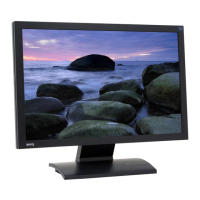
BenQ LCD Monitor
Top-Mount Monitor Shelf
CD-ROM and Quick Start Guide
Power Cord
(Picture may differ from product
supplied for your region)
Signal Cable: D-Sub
Signal Cable: DVI-D (optional)
Downloaded from ManualMonitor.com Manuals



 To Next Page