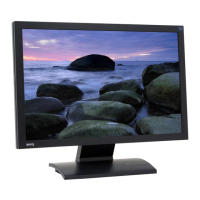
7 Getting to know your monitor
Front view (2)
Left-side view
1. Power
2. ENTER / PIP
3.
t / Brightness
4. u/ Contrast
5. MENU / EXIT
6. Mode
7. Game Mode
8. Input / Swap
9. PerfectMotion
10. i key
For more information about
these keys, please refer to The
control panel on page 23.
1. Earphone socket
Plug the earphone or headset into
the earphone socket to receive
the audio signal from HDMI input.
See Audio menu on page 41 for
information about audio controls.
2. USB device ports for connection
to built-in USB hub
Downloaded from ManualMonitor.com Manuals



 To Next Page