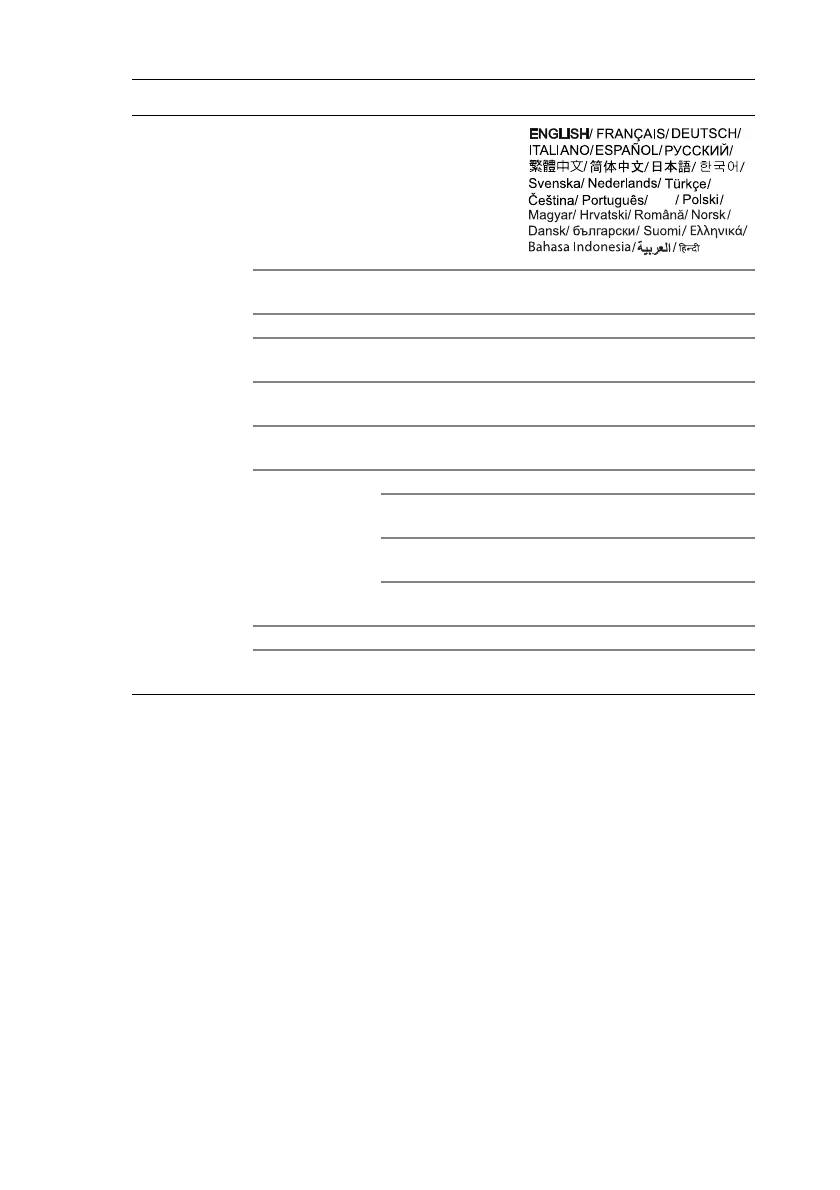
Menu Functions60
System
Setup: Basic
Language
Background
Color
Black/Blue/Purple
Splash Screen BenQ/Black/Blue
Projector
Position
Front/Front Ceiling/Rear/Rear
Ceiling
Auto Off
Disable/5 min/10 min/15 min/
20 min/25 min/30 min
Direct Power
On
On/Off
Menu Settings
Menu Type
Menu Position
Center/Top-Left/Top-Right/
Bottom-Right/Bottom-Left
Menu Display
Time
Always On/5 sec/10 sec/15 sec/
20 sec/25 sec/30 sec
Blank Reminder
Message
On/Off
Source Rename Keyboard popup
Auto Source
Search
Main menu Sub-menu Options







 To Next Page