8 Introduction
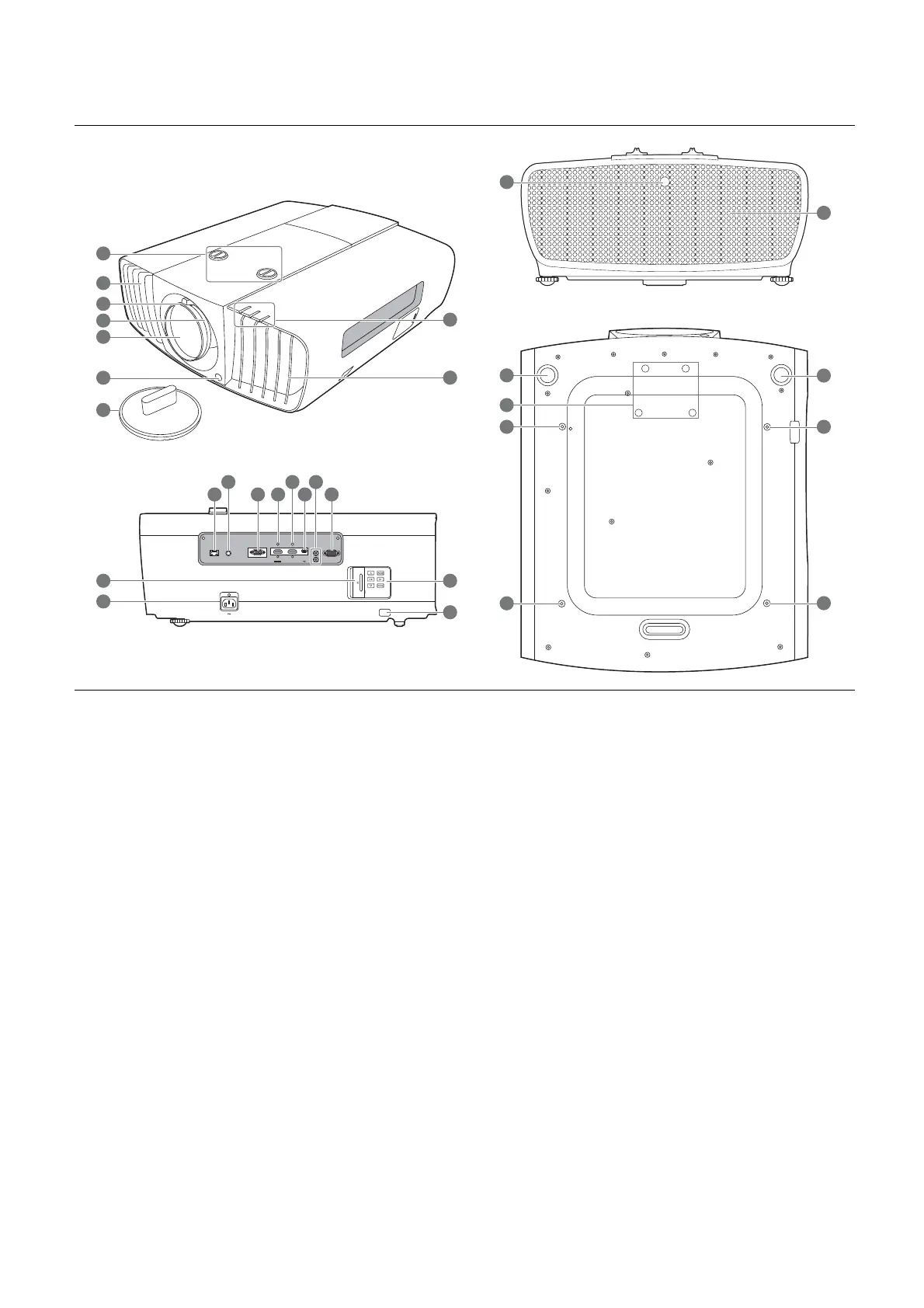
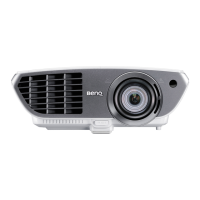
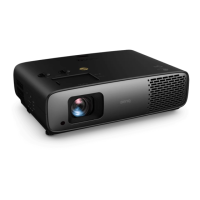
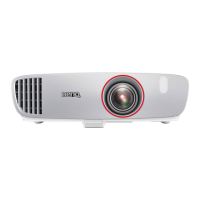
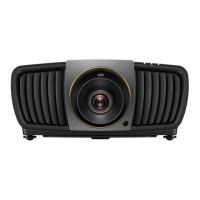
Projector exterior view
1. Lens shift adjustment knobs (LEFT/RIGHT,
UP/DOWN)
2. Vent (heated air exhaust)
3. Focus ring
4. Zoom ring
5. Projection lens
6. IR remote sensor
7. Lens cover
8. POWER indicator light/TEMPerature
warning light/LIGHT indicator light
(See Indicators on page 33.)
9. Vent (cool air intake)
10. RJ-45 LAN input jack
11. IR-IN jack
For use with an IR extender cable to ensure
better signal reception from the remote
control.
12. RGB (PC) signal input jack
13. HDMI input port (Version 2.0) and its cable
tie hole
14. HDMI input port (Version 1.4a) and its cable
tie hole
15. USB Mini-B port
16. 12 VDC output terminals
Trigger external devices such as an electric
screen or light control, etc.
17. RS-232 control port
18. Door to external control panel
19. AC power jack and its cable tie hole
20. External control panel
(See Controls and functions on page 9.)
21. Kensington anti-theft lock slot
22. Adjuster feet
23. Anamorphic lens holes
24. Ceiling mount holes
LAN
PC
-
RS 232
12V
TRIGGHER
IR IN
1
2
H
DMI 2
-
USB MINI B
HDMI 1
HDCP 2.2
6
6
22
24
24
5
3
2
4
7
1
22
24
23
24
21
20
2
9
8
10
11
12 1513
14
16
17
19
18







 To Next Page