10 Using InstaShare Wireless Solution
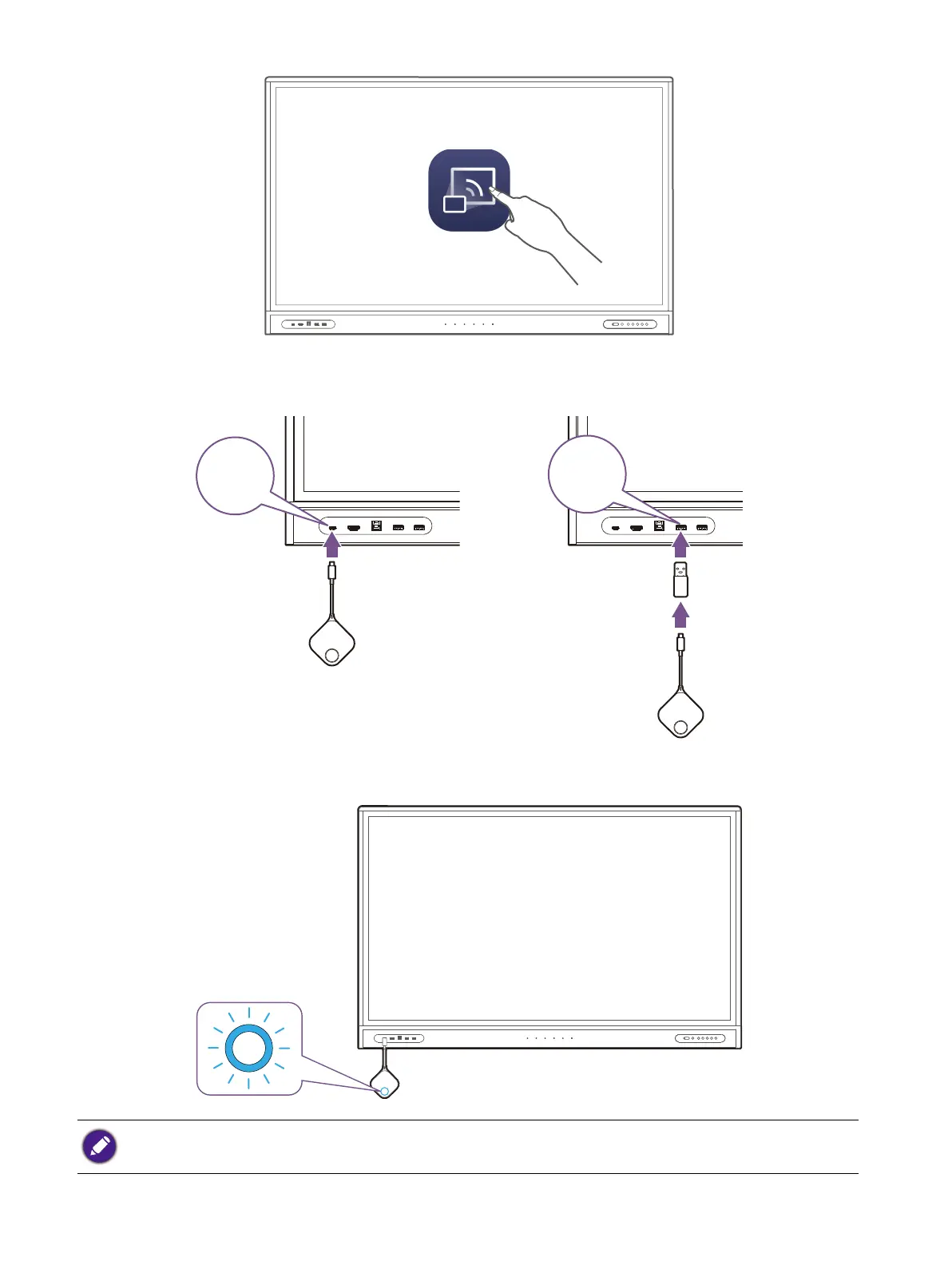
3. Open the InstaShare 2 app on the display.
4. Install the Button you want to pair to either a Type-C USB port or Type-A USB port (using the
supplied Type-C-to-Type-A USB adapter) on your display, and then confirm that you want to pair
the Button in the pop-up message that appears.
5. The Button will begin pairing with the Wireless Adapter as the LED indicator on the Button
flashes blue.
If it is your first time using the Button, you will be able to change the name of the button prior to the pairing
process.
InstaShare 2



 To Next Page