14 Using InstaShare Wireless Solution
Split-screen presentations
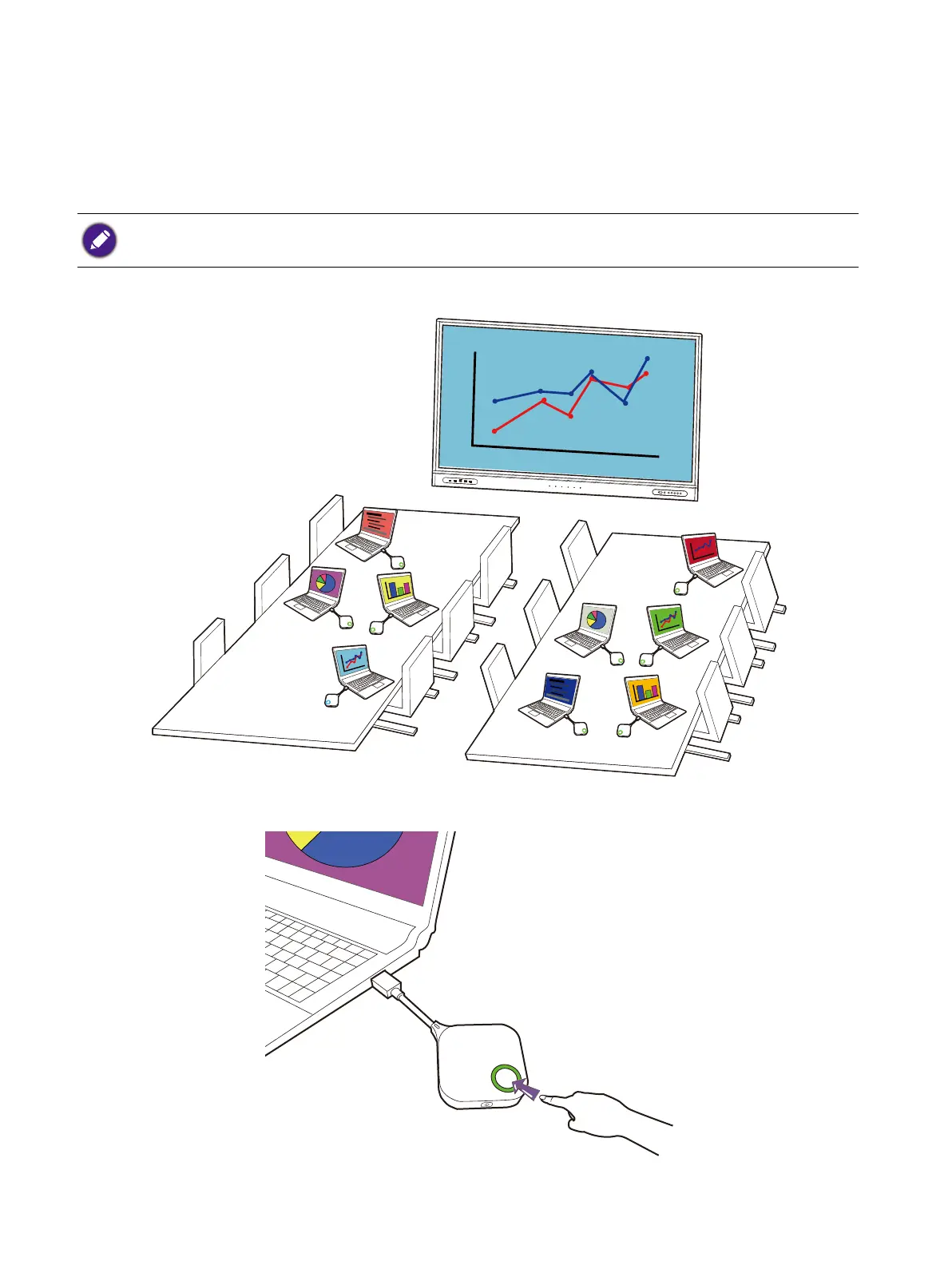
The product allows up to nine users to present simultaneously in a split-screen orientation.
Starting a split-screen presentation
1. Connect a Button to each computer that will be presenting in the split-screen presentation.
2. Start a normal presentation using one of the Buttons. See Starting a presentation on page 12 for
more information.
3. Press the present key on the second Button. The second device’s screen will be added into the
presentation in a split-screen format.
Make sure that all Buttons have already been paired to the Wireless Adapter connected to the display. See Pairing
a Button to the Wireless Adapter on page 9 for more information.



 To Next Page