13 Using InstaShare Wireless Solution
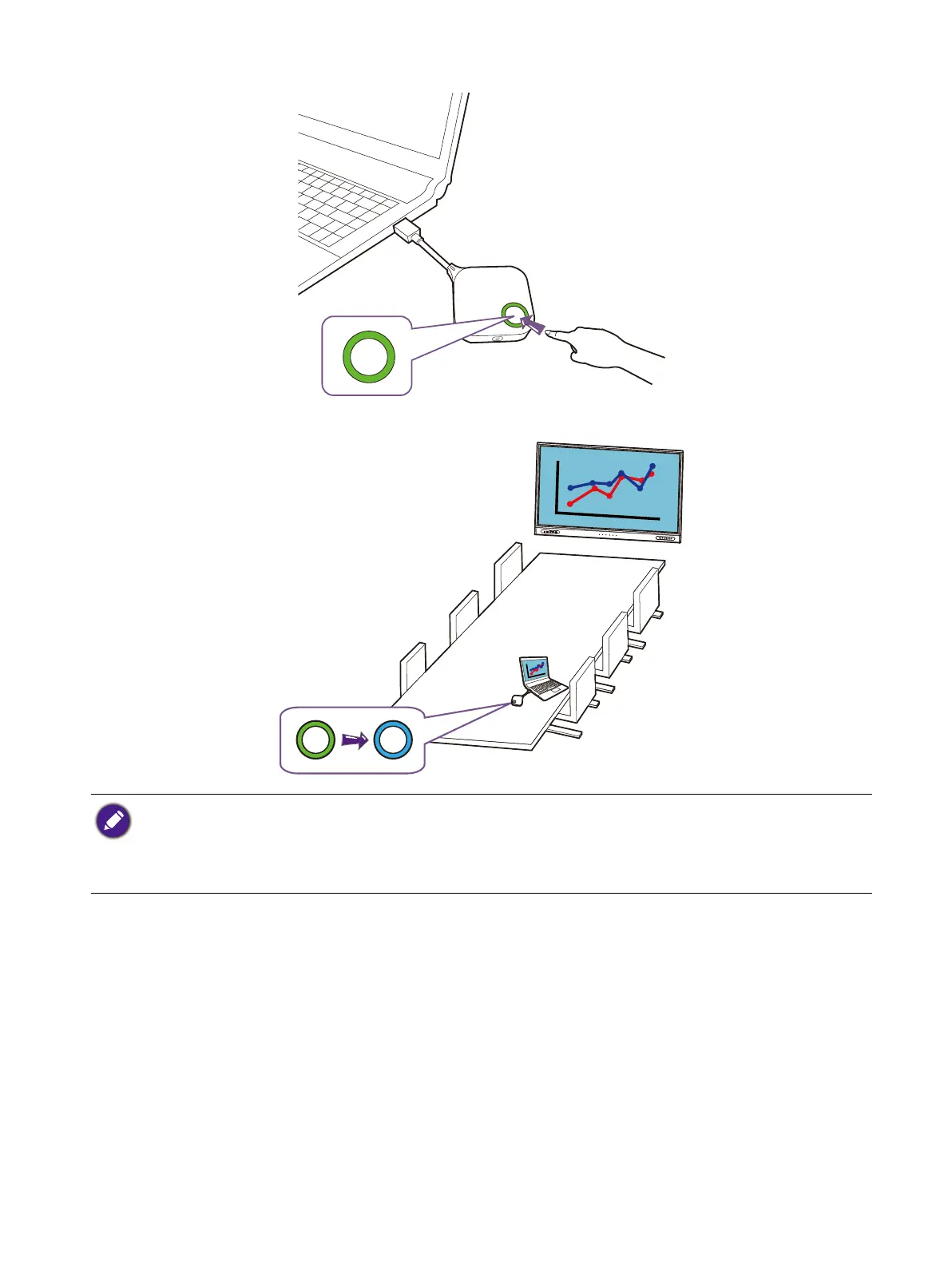
4. Once the LED stops flashing and turns solid green, the button is successfully connected to the
Wireless Adapter. Press the present key to begin presenting.
When the presentation starts, the LED on the Button will turn solid blue.
• Make sure the Type-C USB port on your device supports video output.
• Mak
e sure the transmission distance between the Button and Wireless Adapter is within 15M and with
no
obstacles in betw
een.
• The pr
oduct supports MacBooks and Windows laptops to mirror an extended desktop.



 To Next Page