15 Using InstaShare Wireless Solution
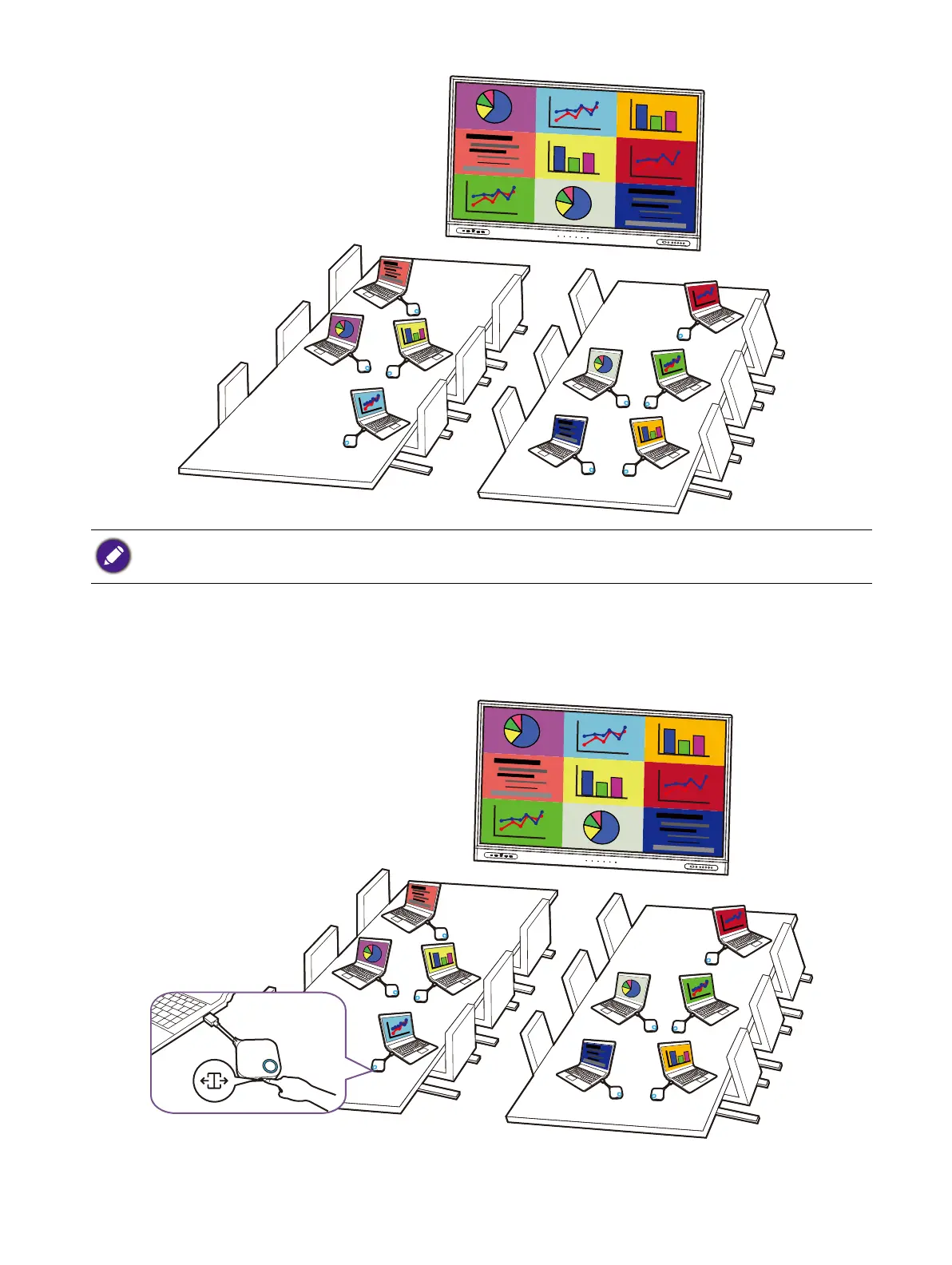
4. Repeat step 4 for all other users that want to join the split-screen presentation.
Enlarging a split-screen
Once in a split-screen presentation, you can enlarge any of the participant’s individual screens by
pressing the split-screen key on the Button of the participant that wants to enlarge their screen.
To return to the normal split-screen presentation format press the split-screen key again on the
Button of the participant with the enlarged screen.
• Only up to 9 users are simultaneously supported in a split-screen presentation.
• The layout of the split-screen presentation will be dictated by the amount of users in the presentation.



 To Next Page