25 Operation
Switching input signal
The projector can be connected to multiple devices at the same
time. However, it can only display one full screen at a time.
When starting up, the projector automatically searches for the
available signals.
Be sure the Advanced Menu - Settings > Auto Source
Search menu is On if you want the projector to automatically
search for the signals.
To select the source:
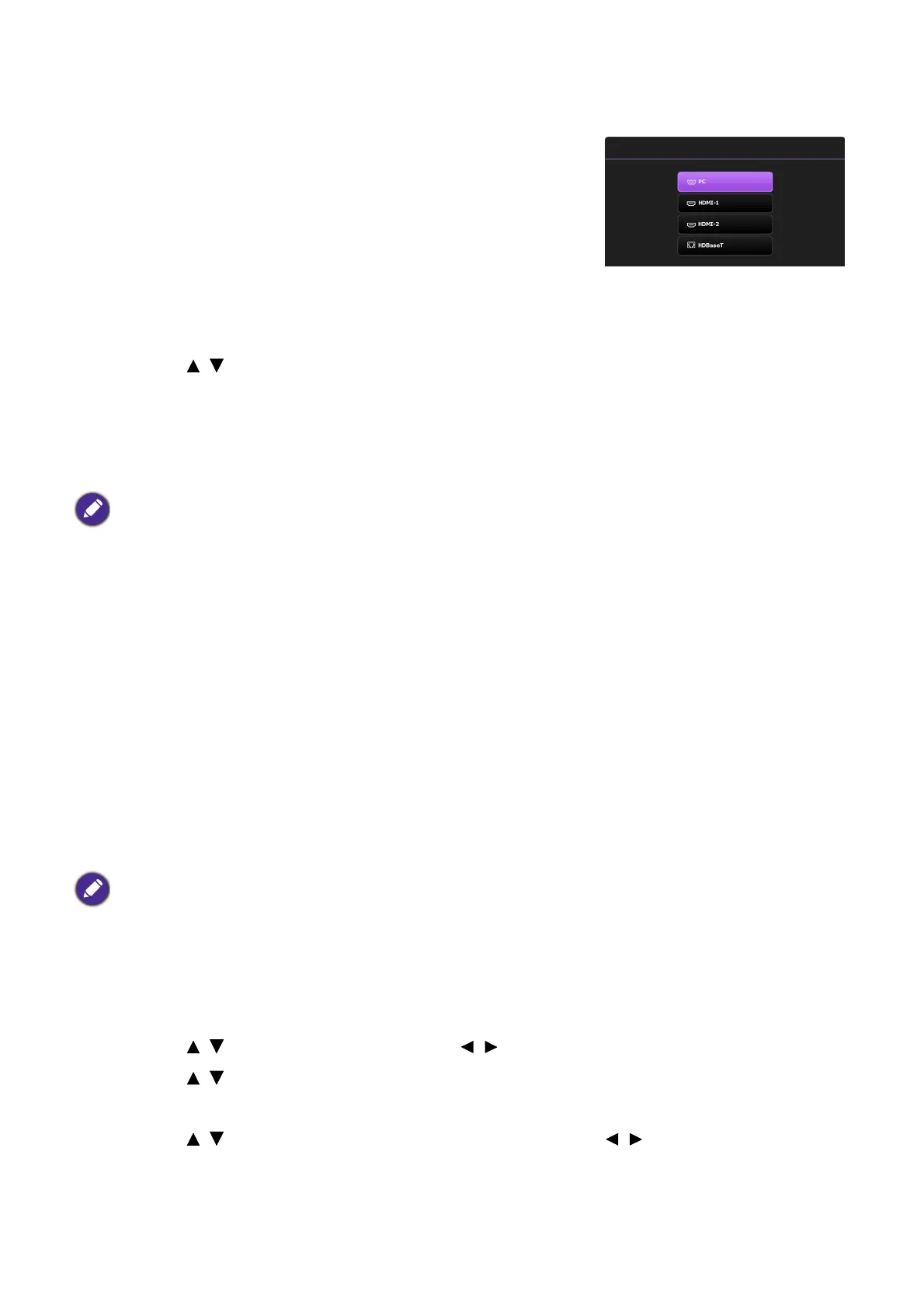
1. Press SOURCE. A source selection bar appears.
2. Press / until your desired signal is selected and press
OK.
Once detected, the selected source information will appear at the corner of the screen for
seconds. If there is multiple equipment connected to the projector, repeat steps 1-2 to search
for another signal.
Controlling the projector through a Wired LAN
environment
Wired LAN allows you to manage the projector from a computer using a web browser when the
computer and the projector are properly connected to the same local area network.
Configuring the Wired LAN
If you are in a DHCP environment:
1. Take a RJ45 cable and connect one end to the RJ45 LAN input jack of the projector and the
other end to the RJ45 port.
2. Make sure the menu type is Advanced. See Using the menus on page 22 for how to switch
to the Advanced OSD menu.
3. Go to Advanced - Network.
4. Highlight Wired LAN and then press OK. The Wired LAN page is displayed.
5. Press / to highlight DHCP and press / to select On.
6. Press / to highlight Apply and press OK.
7. Go back to the Network page.
8. Press / to highlight AMX Device Discovery and press / to select On or Off.
When AMX Device Discovery is On, the projector can be detected by AMX controller.
9. Please wait for around 15 - 20 seconds, and then re-enter the Wired LAN page.
• The brightness level of the projected image will change accordingly when you switch between different input
signals.
• For best display picture results, you should select and use an input signal which outputs at the projector’s native
resolution. Any other resolutions will be scaled by the projector depending upon the “aspect ratio” setting,
which may cause some image distortion or loss of picture clarity. See Aspect Ratio on page 34.
When connecting the RJ45 cable, avoid coiling and intertwining the cable as it may cause signal noise or interruption.



 To Next Page