EasyManua.ls Logo

BenQ LU960ST2 - Command Table

BenQ LU960ST2
19 pages
Print Icon
To Next Page IconTo Next Page
To Previous Page IconTo Previous Page
Loading...
9
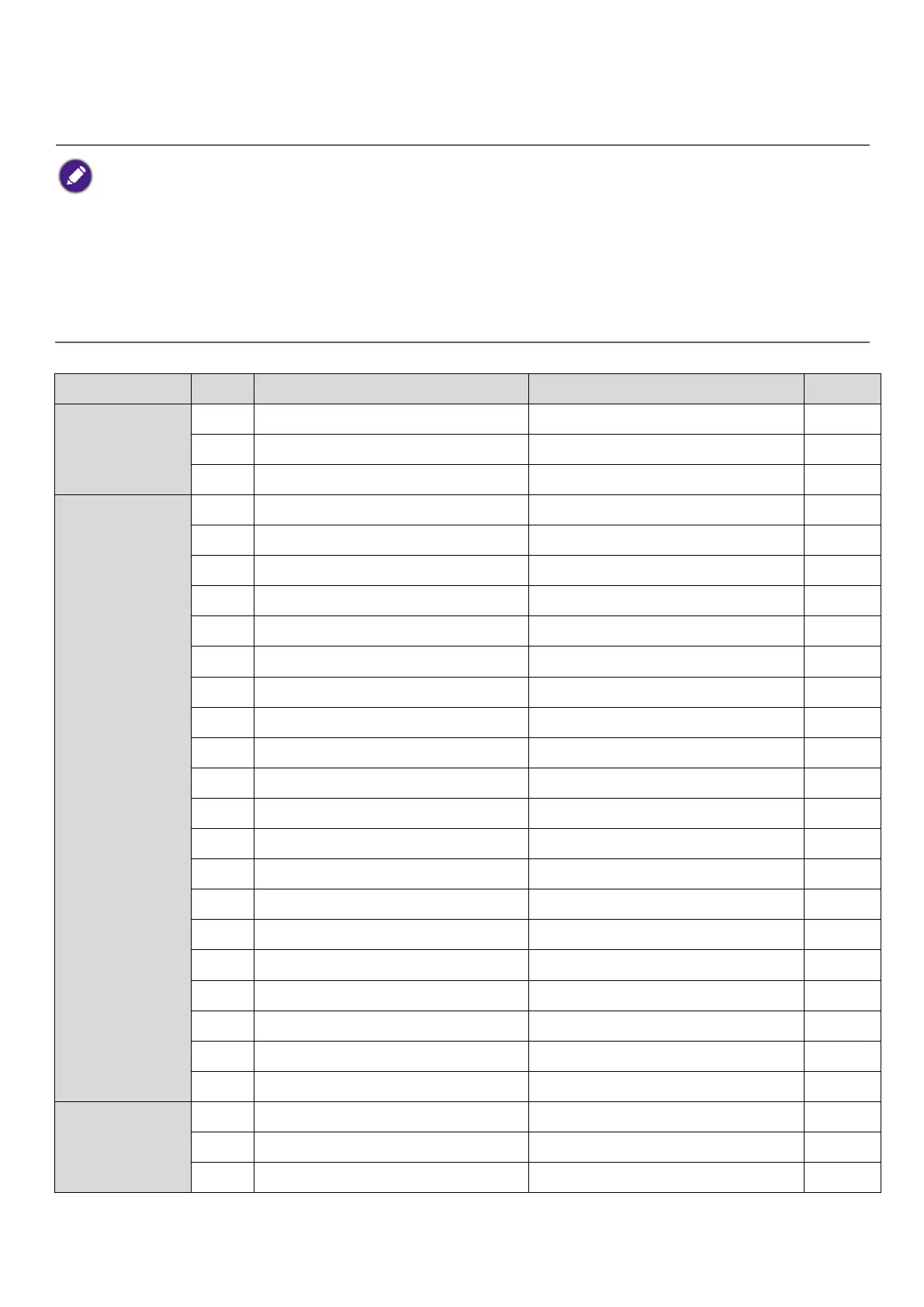
Command table
Available features differ by projector specification, input sources, settings, etc..
Commands are working if the standby power is 0.5W or a supported baud rate of the projector is
set.
Uppercase, lowercase, and a mixture of both types of characters are accepted for a command.
If a command format is illegal, it will echo Illegal format.
If a command with correct format is not valid for the projector model, it will echo Unsupported
item.
If a command with correct format cannot be executed under certain condition, it will echo Block
item.
If RS232 control is performed via LAN, a command works whether it starts and ends with <CR>. All
the commands and behaviors are identical with the control through a serial port.

Function
Type
Operation
ASCII
Support
Power
Write
Power On
<CR>*pow=on#<CR>
Yes
Write
Power Off
<CR>*pow=off#<CR>
Yes
Read
Power Status
<CR>*pow=?#<CR>
Yes
Source
Selection
Write
COMPUTER/YPbPr
<CR>*sour=RGB#<CR>
Yes
Write
COMPUTER 2/YPbPr2
<CR>*sour=RGB2#<CR>
Write
COMPUTER 3/YPbPr3
<CR>*sour=RGB3#<CR>
Write
Component
<CR>*sour=ypbr#<CR>
Write
Component2
<CR>*sour=ypbr2#<CR>
Write
DVI-A
<CR>*sour=dviA#<CR>
Write
DVI-D
<CR>*sour=dvid#<CR>
Write
HDMI(MHL)
<CR>*sour=hdmi#<CR>
Yes
Write
HDMI 2(MHL2)
<CR>*sour=hdmi2#<CR>
Yes
Write
HDMI 3
<CR>*sour=hdmi3#<CR>
Write
Composite
<CR>*sour=vid#<CR>
Write
S-Video
<CR>*sour=svid#<CR>
Write
Network
<CR>*sour=network#<CR>
Write
USB Display
<CR>*sour=usbdisplay#<CR>
Write
USB Reader
<CR>*sour=usbreader#<CR>
Write
HDbaseT
<CR>*sour=hdbaset#<CR>
Yes
Write
DisplayPort
<CR>*sour=dp#<CR>
Yes
Write
3G-SDI
<CR>*sour=sdi#<CR>
Write
Smart System
<CR>*sour=smartsystem#<CR>
Read
Current source
<CR>*sour=?#<CR>
Yes
Audio Control
Write
Mute On
<CR>*mute=on#<CR>
Yes
Write
Mute Off
<CR>*mute=off#<CR>
Yes
Read
Mute Status
<CR>*mute=?#<CR>
Yes

Related product manuals