14
Positioning your projector
English
Obtaining a preferred projected image size
The distance from the projector lens to the screen, the zoom setting, and the video format each factors
in the projected image size. The diagram from page 15 offers recommendations on projection distances
and screen sizes.
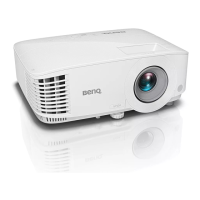
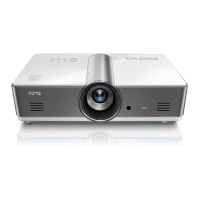
This projector is equipped with a movable lens. See "Shifting the projection lens" on page 16 for details.
You can see the diagram from page 15 for the vertical offset values in the dimension tables that are
measured when the lens is shifted fully up or down.
If you place the projector in a different position (to that recommended), you will have to tilt it down or
up to center the image on the screen. In these situations, some image distortion will occur. Use the
Keystone function to correct the distortion. See "Correcting picture distortion" on page 28 for details.


 To Next Page