Connection20
Connecting Video source devices
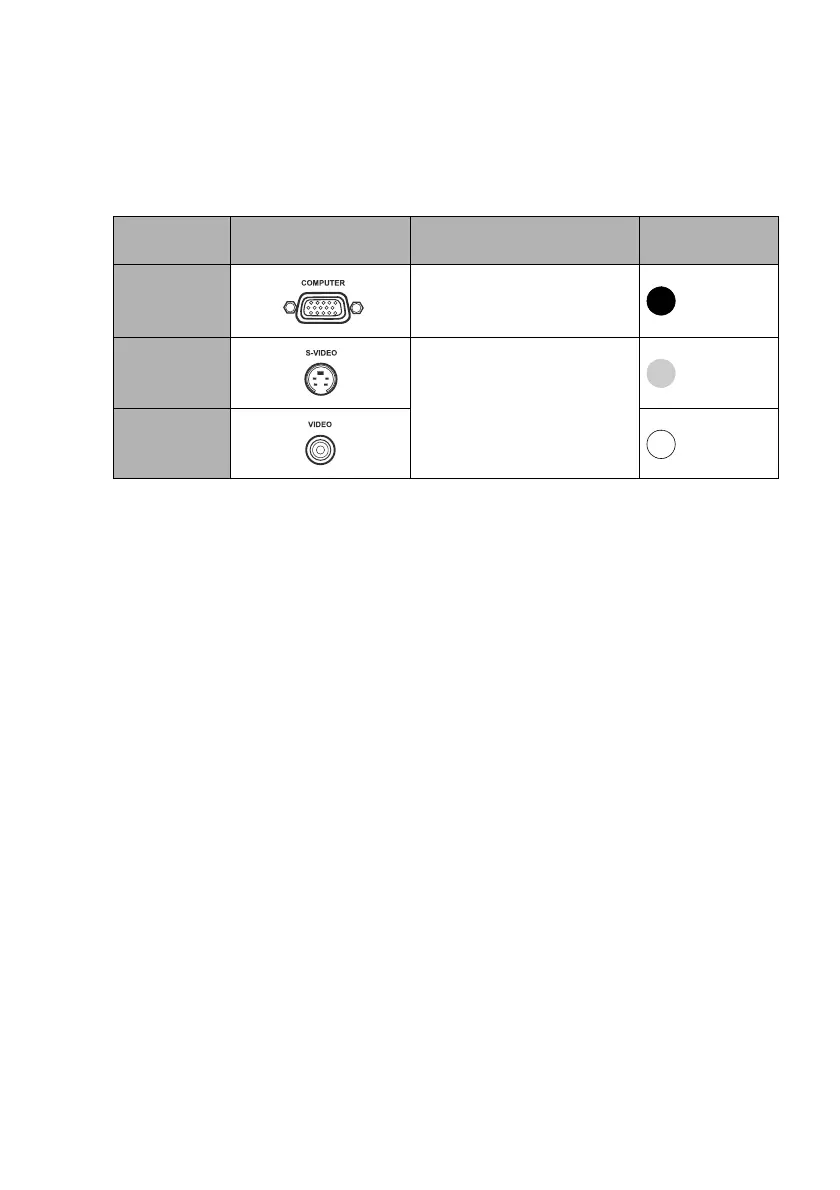
You need only connect the projector to a Video source device using just one of the
connecting methods, however each provides a different level of video quality. The
method you choose will most likely depend upon the availability of matching terminals
on both the projector and the Video source device as described below:
Connecting audio
The projector has one built-in mono speaker which is designed to provide basic audio
functionality accompanying data presentations for business purposes only. It is not
designed for, nor intended for stereo audio reproduction use as might be expected in
home theater or home cinema applications. Any stereo audio input (if provided), is
mixed into a common mono audio output through the projector speaker.
If you have a separate sound system, you will most likely want to connect the audio
output of your Video source device to that sound system, instead of to the mono audio
projector. The audio connections illustrated on page 18 are provided for informational
purposes only. You need not connect audio to the projector if there is an alternate sound
system available, or if audio is not required.
Terminal
name
Terminal appearance Reference Picture quality
Component
Video
"Connecting a Component
Video source device" on page
21
Best
S-Video
"Connecting an S-Video/
composite Video source
device" on page 22
Good
Video
Normal



 To Next Page