Introduction 7
Introduction
Projector features
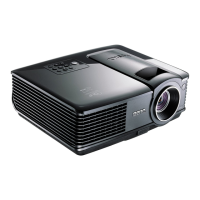
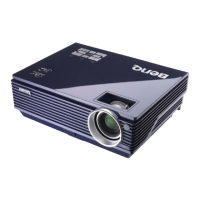
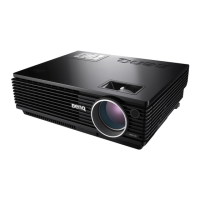
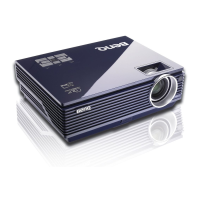
The projector integrates high-performance optical engine projection and a user-friendly
design to deliver high reliability and ease of use.
The projector offers the following features.
• LAN Settings allowing management of projector status from a computer using a web
browser (MP526 and MP576 only)
• Wall color correction allowing projection on surfaces of several predefined colors
• Quick auto search speeding up the signal detecting process
• Selectable password protected function
• 3D color management allowing color adjustments to your liking
• Selectable quick cooling function making the projector cool in a shorter time
• FAQ to troubleshoot operational problems with one quick key press
• Presentation timer for better control of time during presentations
• High quality manual zoom lens
• One-key auto-adjustment to display the best picture quality
• Digital keystone correction to correct distorted images
• Adjustable color balance control for data/video display
• High brightness projection lamp
• Multi-language On-Screen Display (OSD) menus
• Switchable normal and economic modes to reduce the power consumption
• Less than 1 W power consumption in standby mode
• Built-in speaker providing mixed mono audio when an audio input is connected
• Component HDTV compatibility (YP
bPr)
• The apparent brightness of the projected image will vary depending on the ambient
lighting conditions, selected input signal contrast/brightness settings, and is directly
proportional to projection distance.
• The lamp brightness will decline over time and may vary within the lamp manufacturers
specifications. This is normal and expected behavior.



 To Next Page